 Dazzler
Typography With Character
Readable measures, fluid scales and genuine italics. Match fonts to actual text coverage and keep their licenses with the work.
Explore the Type Specimen →Give your ideas a visual voice. Dazzler chooses the type, color and composition that fit your project, then helps your agent build and check the result.
Automatic by default. Your brand and instructions lead.
No style quiz. No need to choose a type scale or a color model. Describe what people should understand or do.
Use $dazzler-frontend to build a welcoming website for an independent bookshop. Help visitors find new arrivals and upcoming events.
Use your host’s invocation after installation. Claude Code plugins use /dazzler:dazzler-frontend.
Read the project, preserve its facts and brand, and identify the most important user action.
Match licensed fonts, color roles and layout to the audience. A legal brief and a festival poster should feel different.
Use the existing stack and real content. Export editable resources with their notices.
Inspect layout, interactions and relevant print pages. Explain any checks the host could not perform.
This builder writes a prompt. It does not call an AI service or send your text anywhere.
Optional: include an existing brand, audience, supplied data or a required format. Leave aesthetic choices to Dazzler.
Use $dazzler-frontend to design and build a website for my project.
Choose only the tools the task needs. Core font, color, token and chart helpers work locally; rendering depends on available host tools.
Readable measures, fluid scales and genuine italics. Match fonts to actual text coverage and keep their licenses with the work.
Explore the Type Specimen →Use measured foreground/background pairs, purposeful accents and light/dark roles. Save decisions so the next page belongs to the same project.
See a Shared Design System →A focused form, editorial story or dense workspace: structure follows the task. Refine with “bolder,” “quieter,” “typeset” or “polish.”
Explore Composition →Charts, maps, networks and small metrics retain units, source rows and missing values. Static pictures never masquerade as editable Office charts.
Explore Data Examples →Turn a diagram or floor plan into named, keyboard-accessible regions with useful descriptions and a text equivalent.
Try Interactive Illustrations →Share web tokens, editable design records and native SwiftUI, Compose or Flutter theme proposals. Register fonts and verify the target app.
Read the Handoff Guide →Rebuilt with Dazzler 0.26.0: expressive title panels, purposeful emphasis, readable data and focused interfaces. Open a rendered example, then ask Dazzler to adapt the structure to your own facts.
30 of 30 examples shown
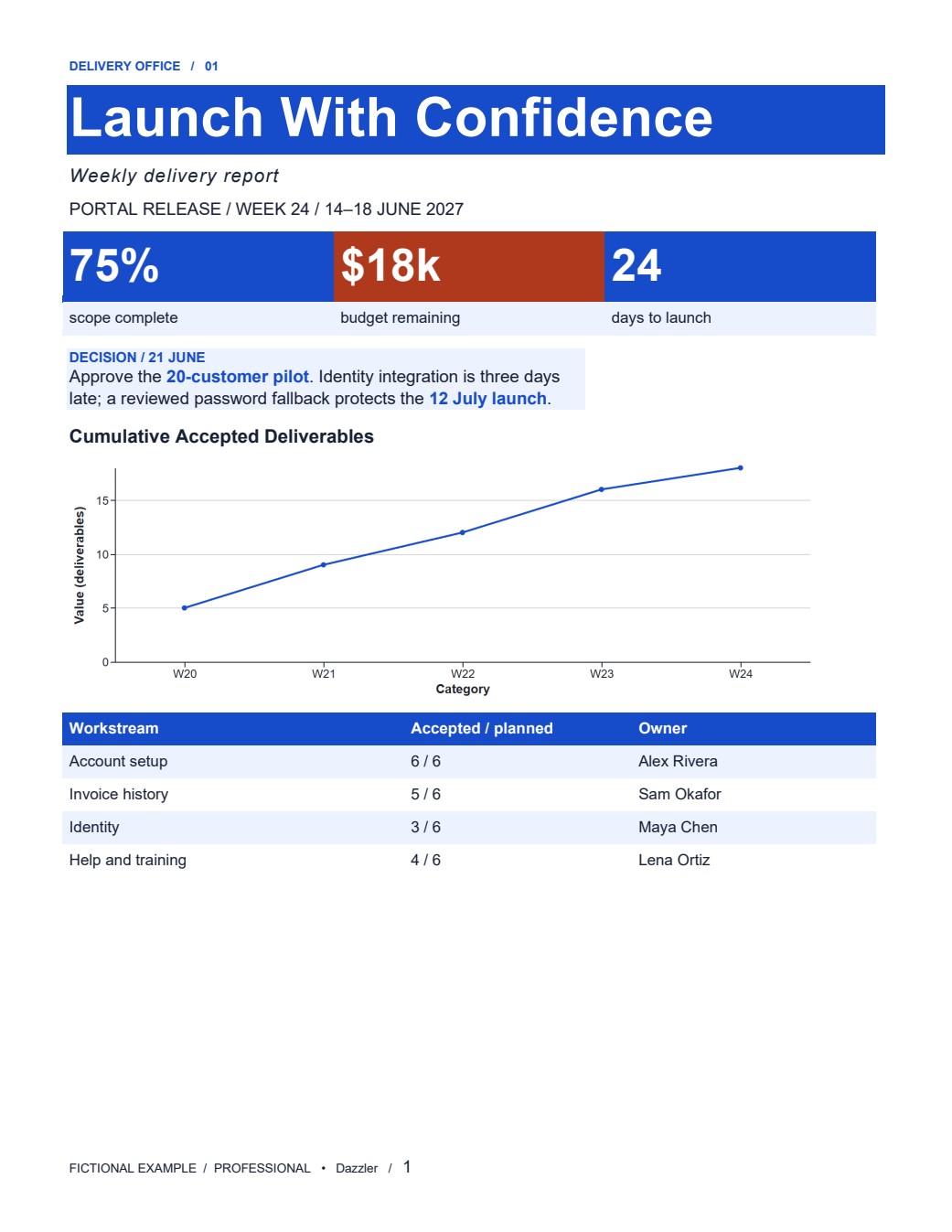 DOCX / professional
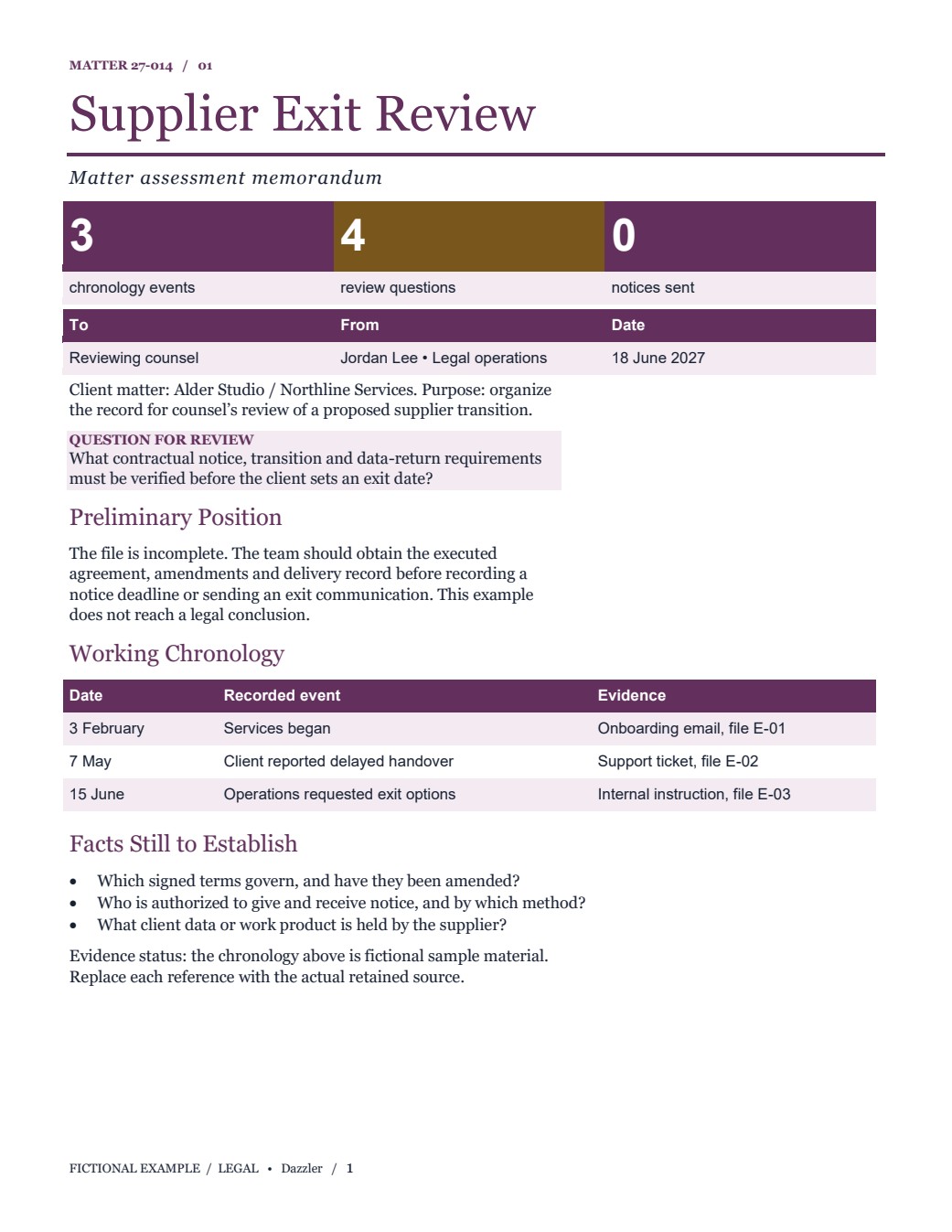 DOCX / legal
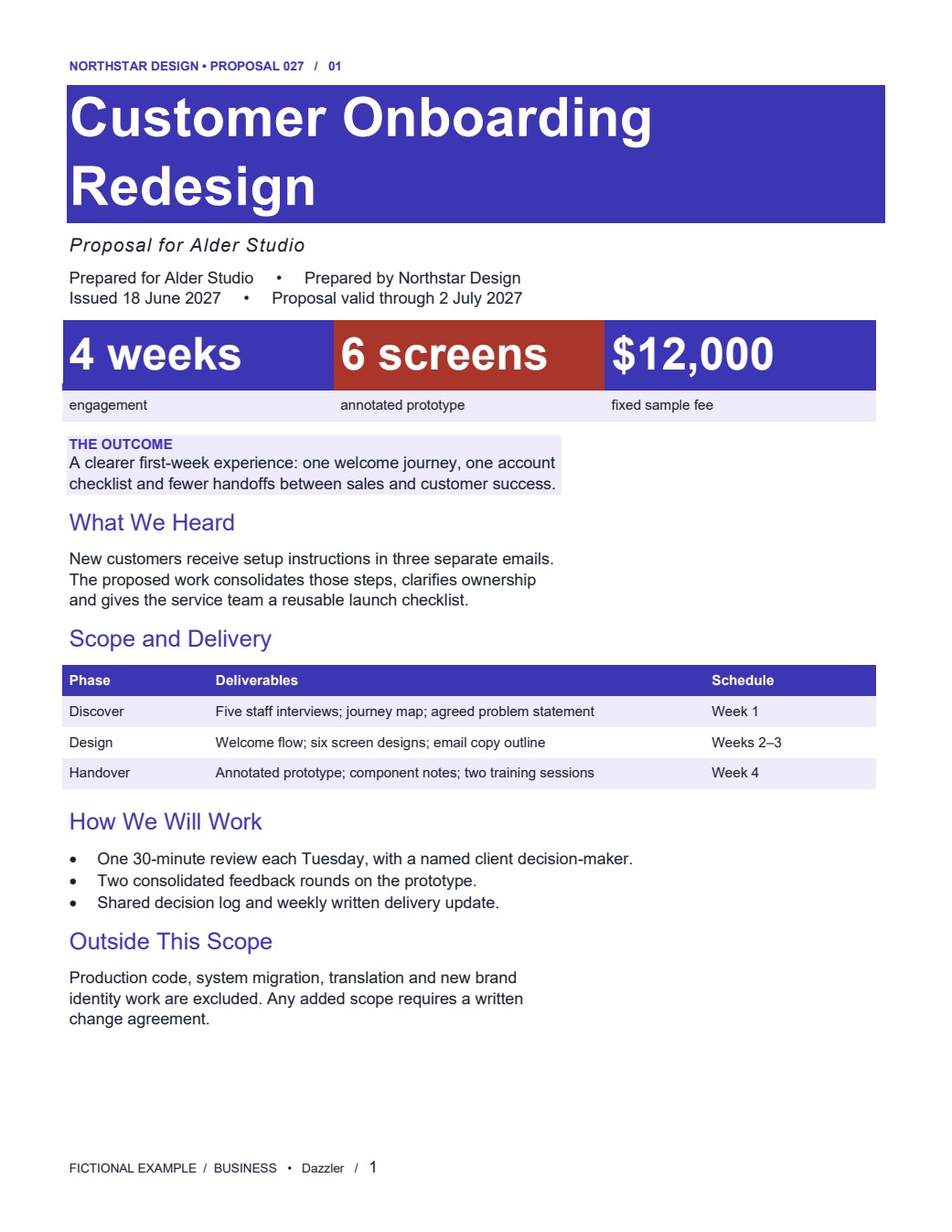 DOCX / business
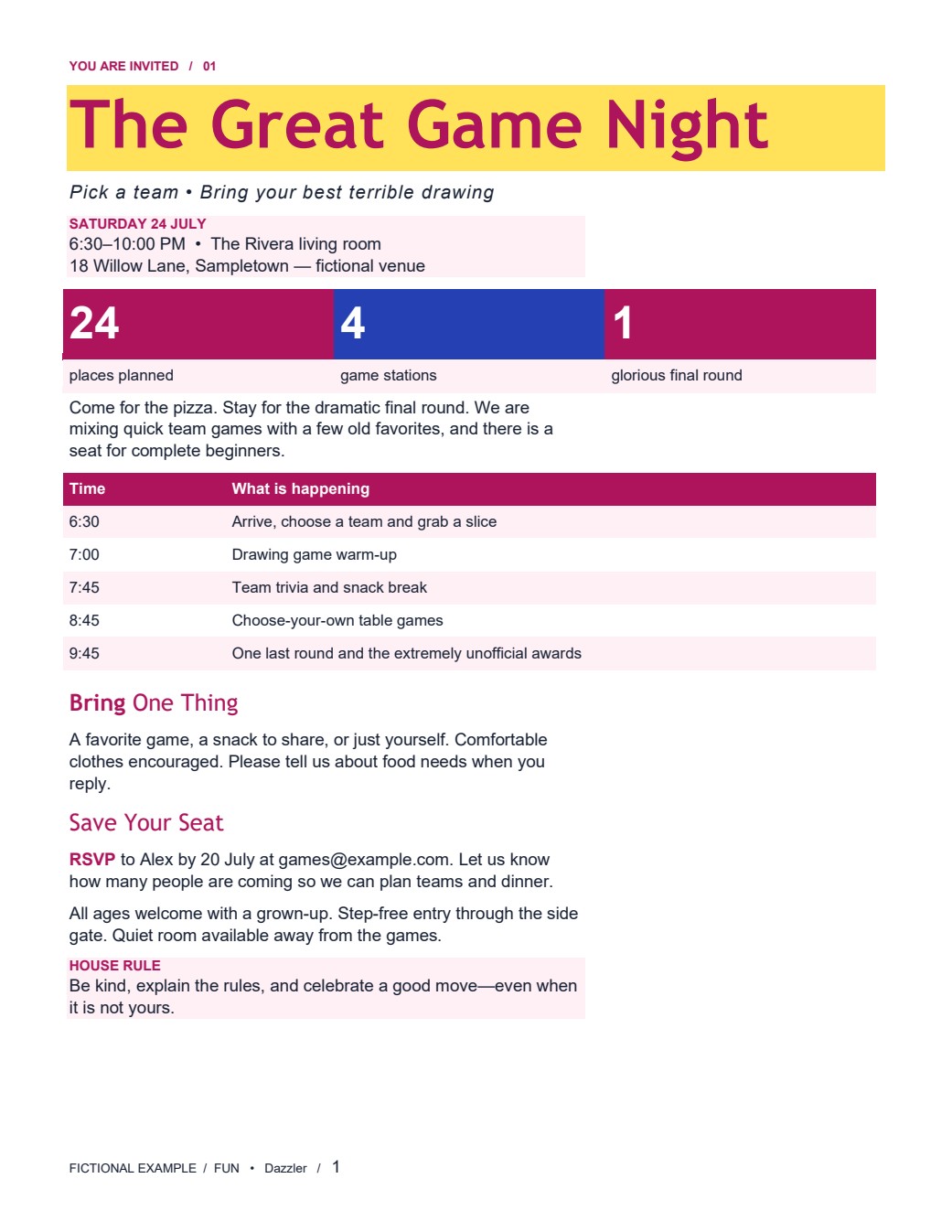 DOCX / fun
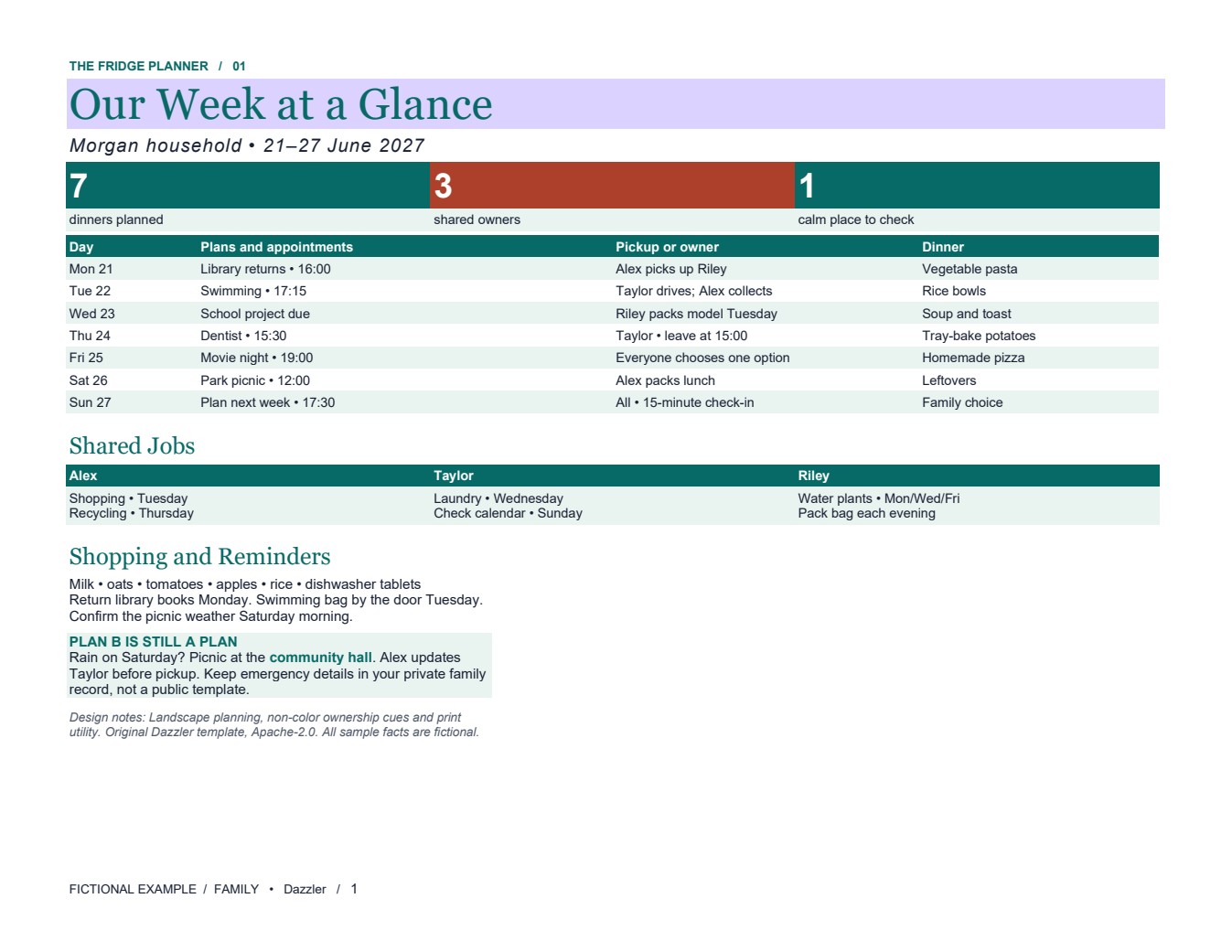 DOCX / family
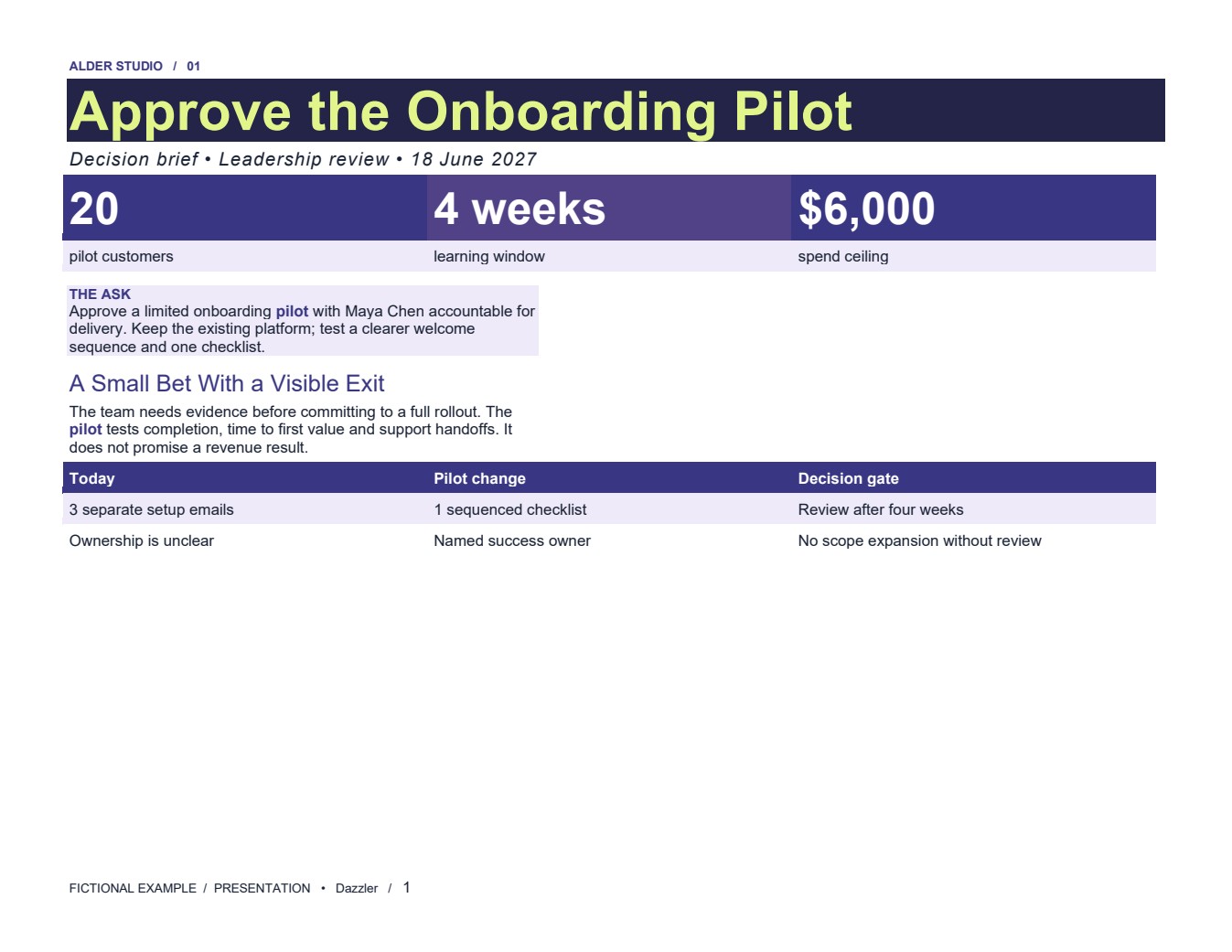 DOCX / presentation
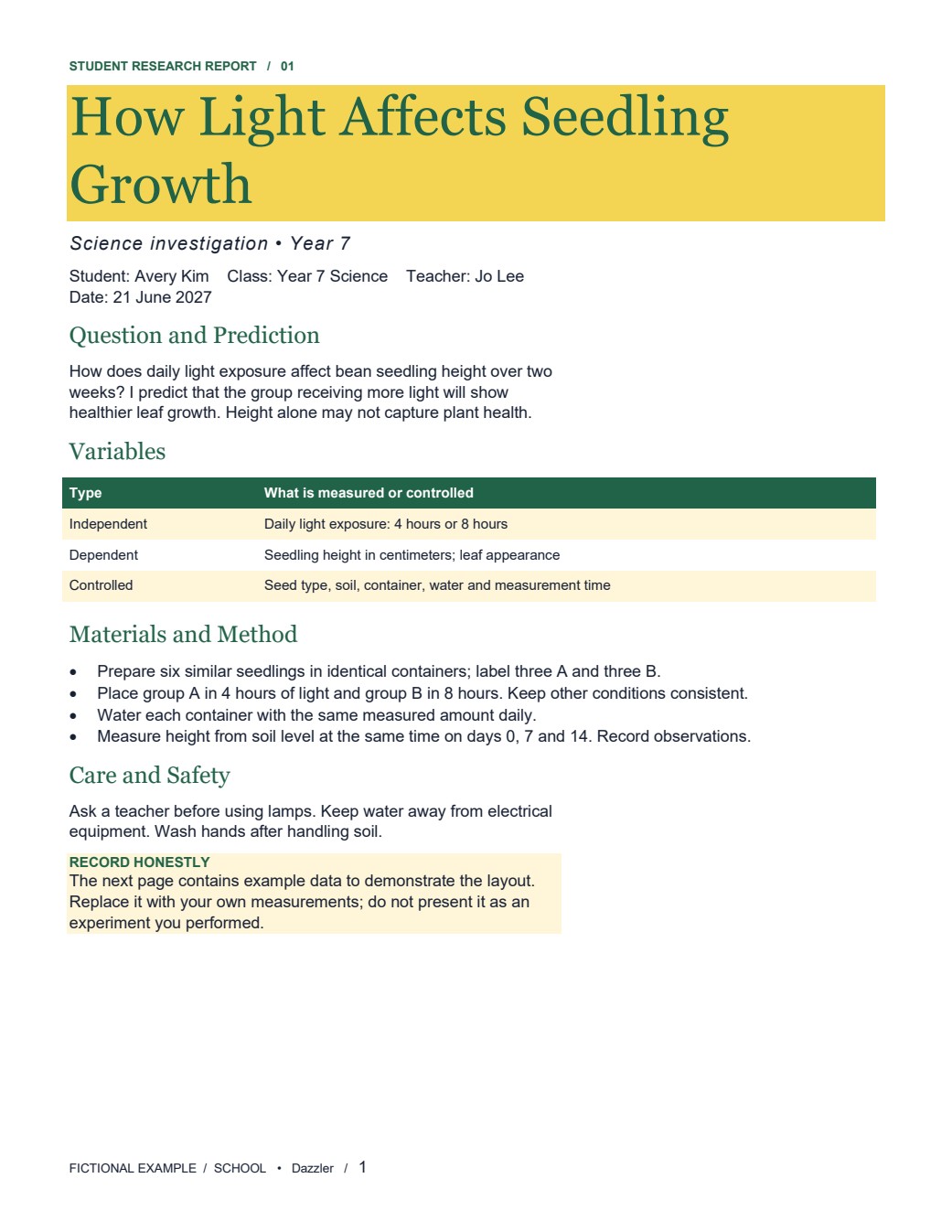 DOCX / school
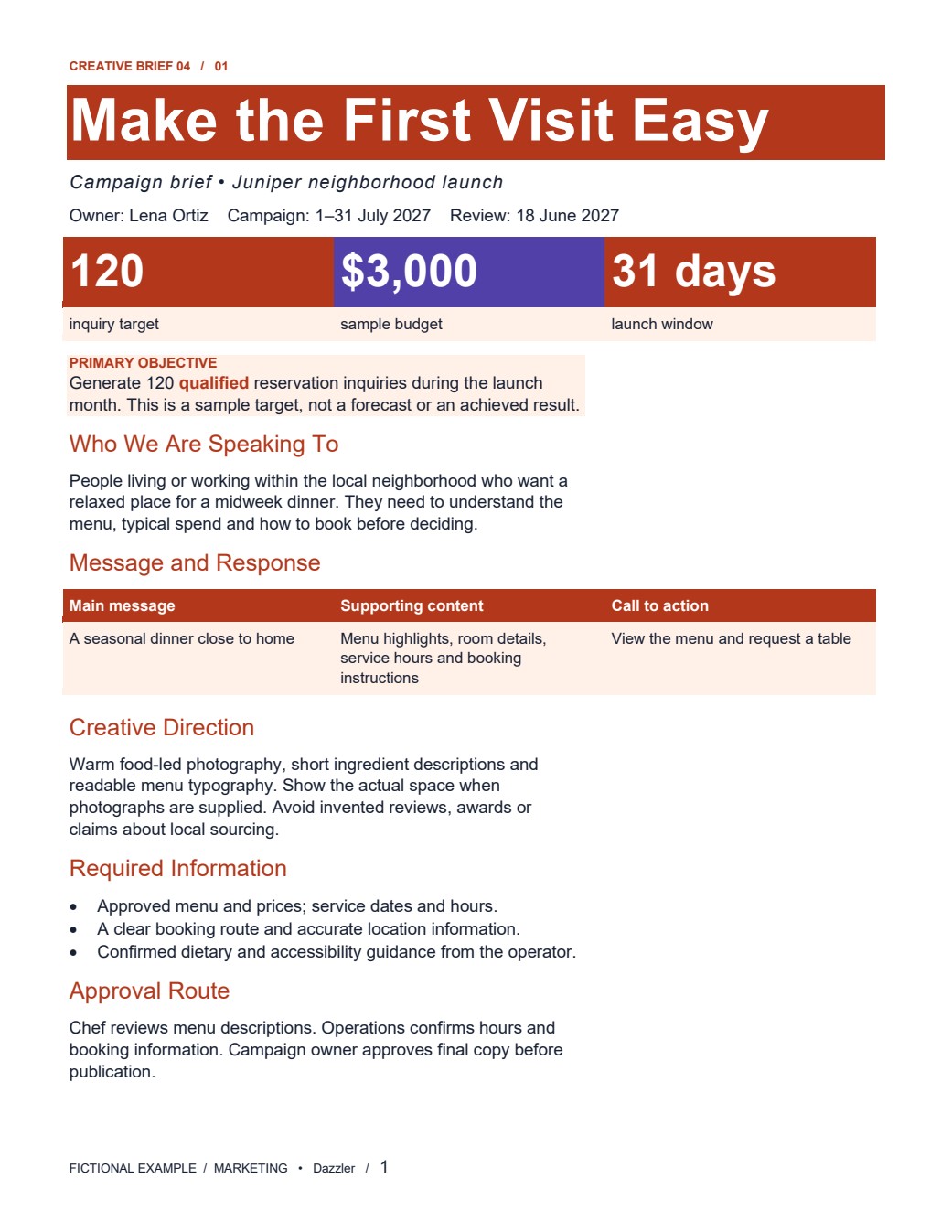 DOCX / marketing
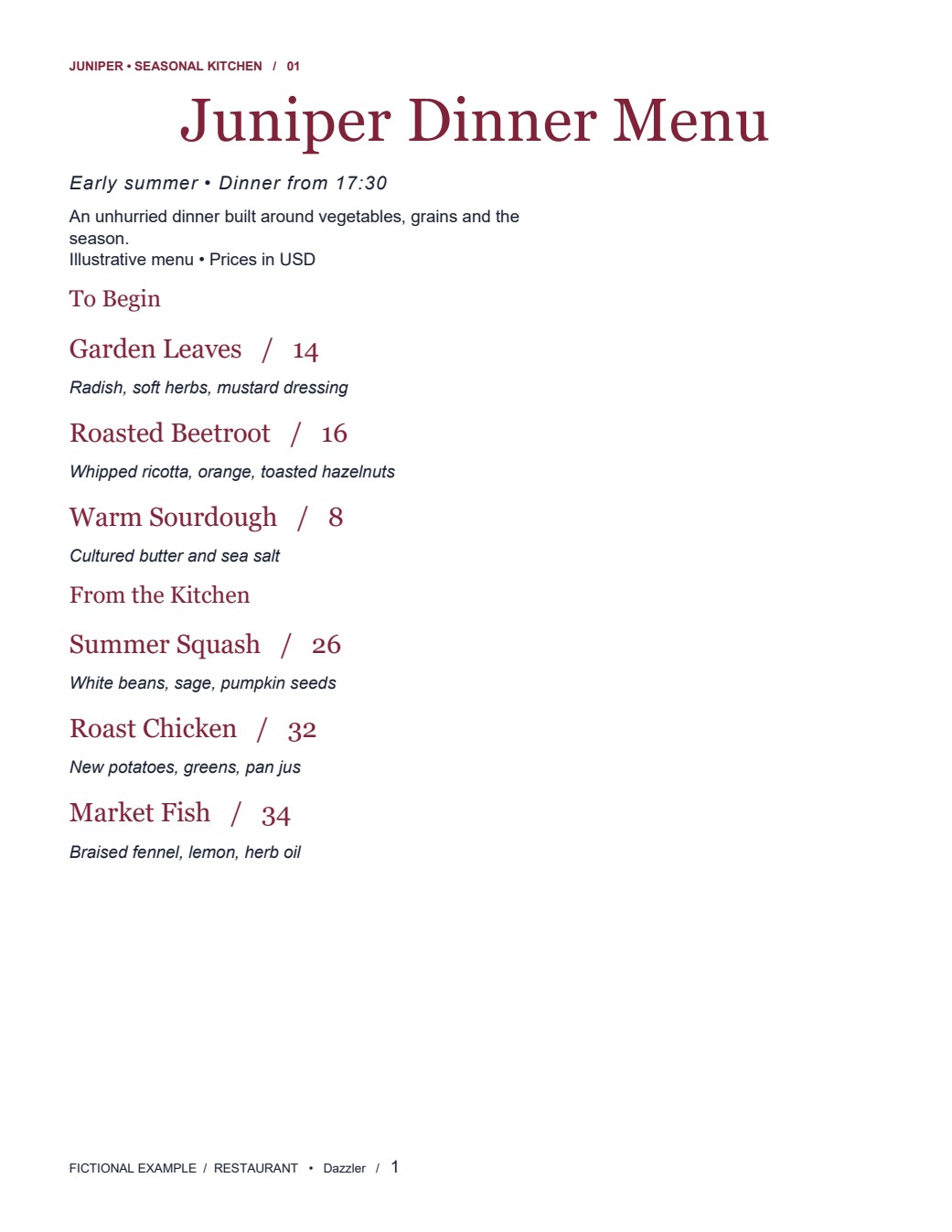 DOCX / restaurant
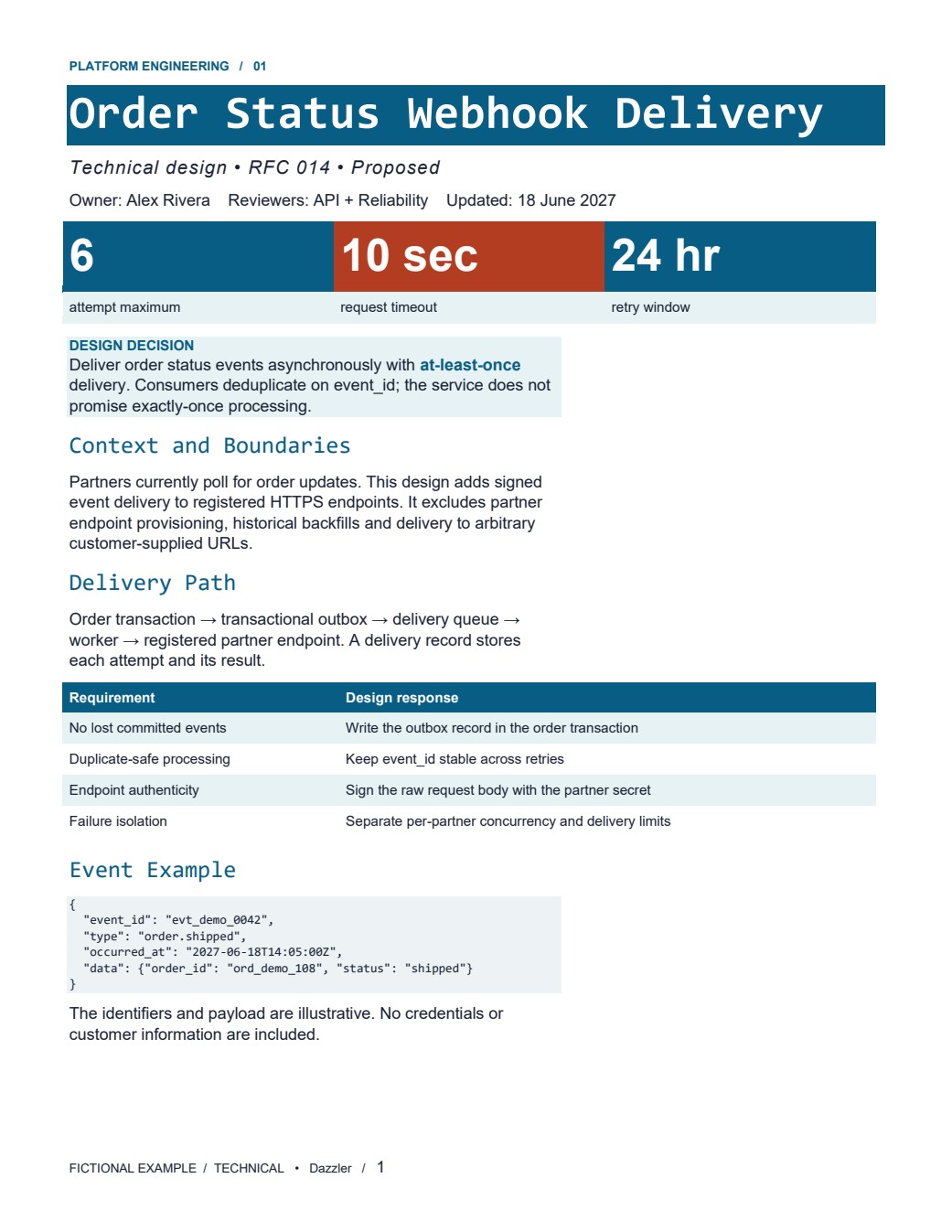 DOCX / technical
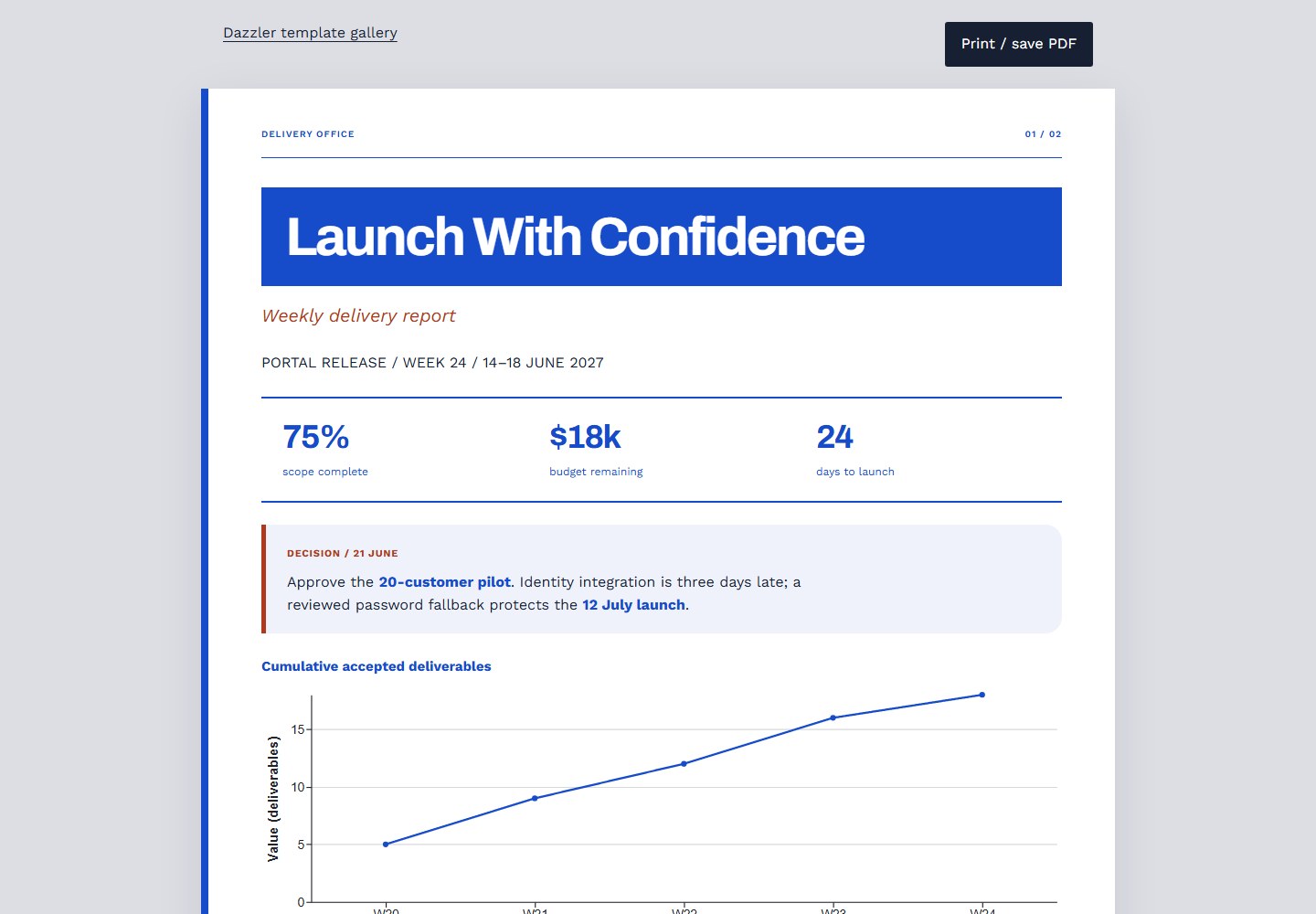 HTML / professional
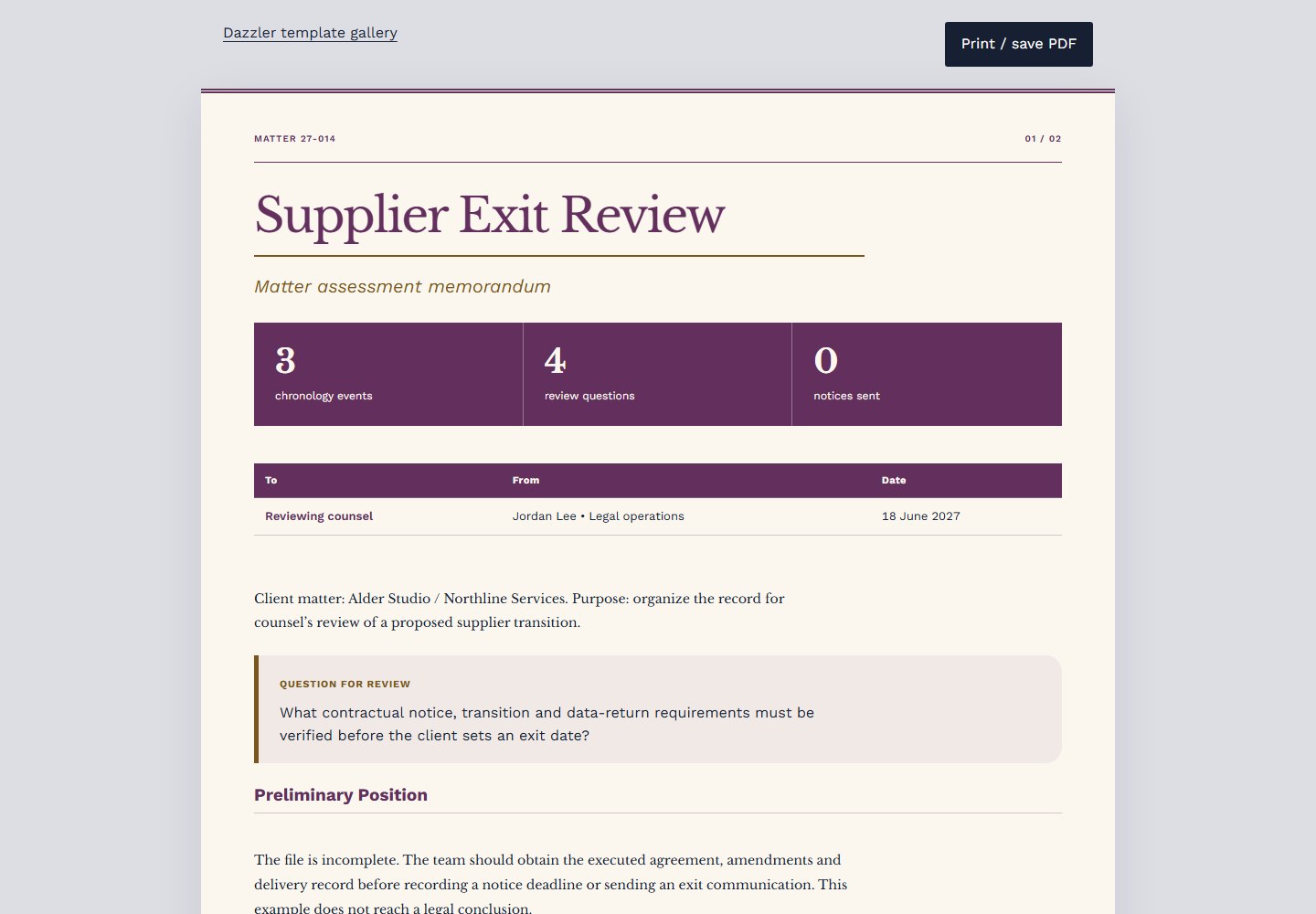 HTML / legal
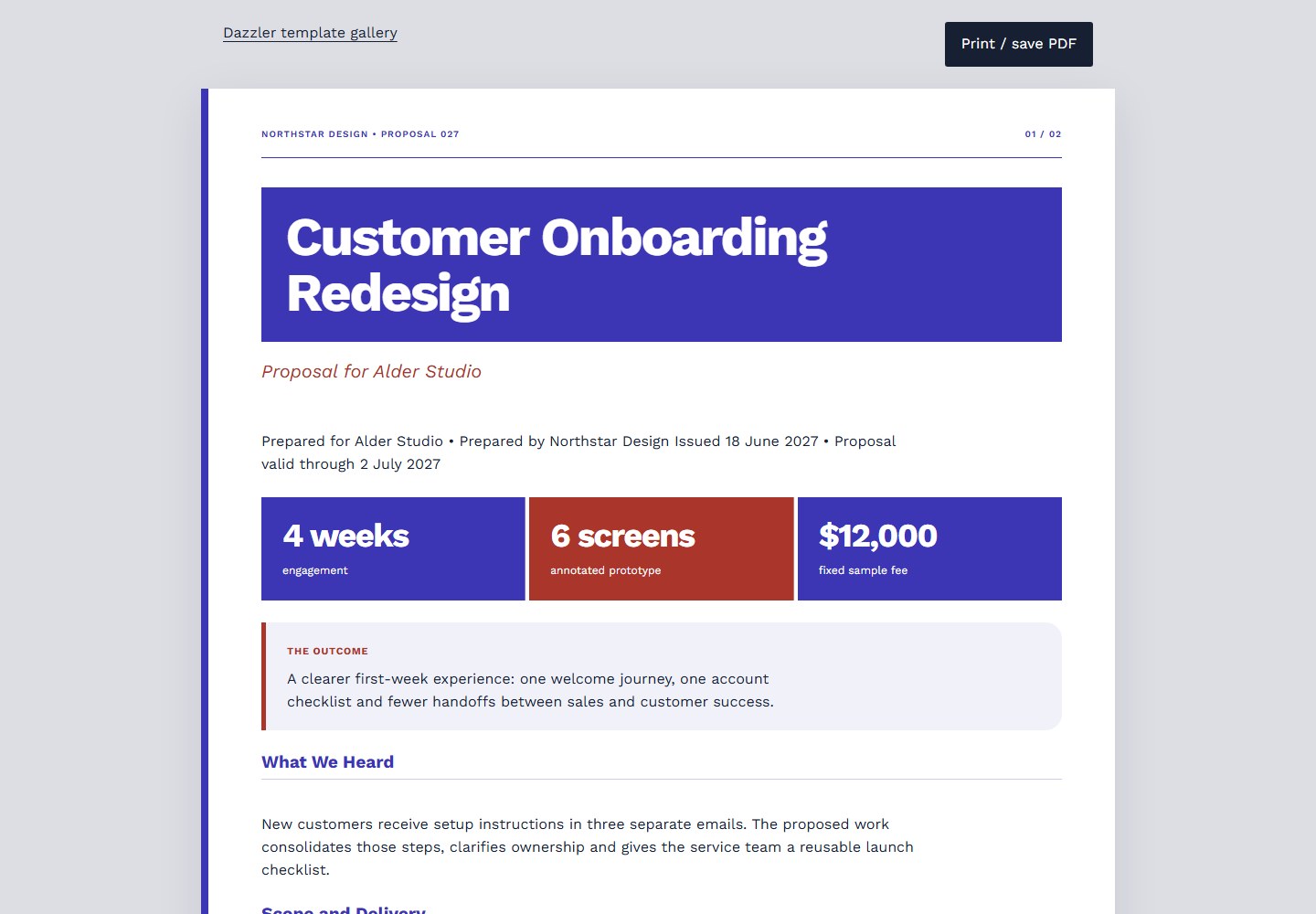 HTML / business
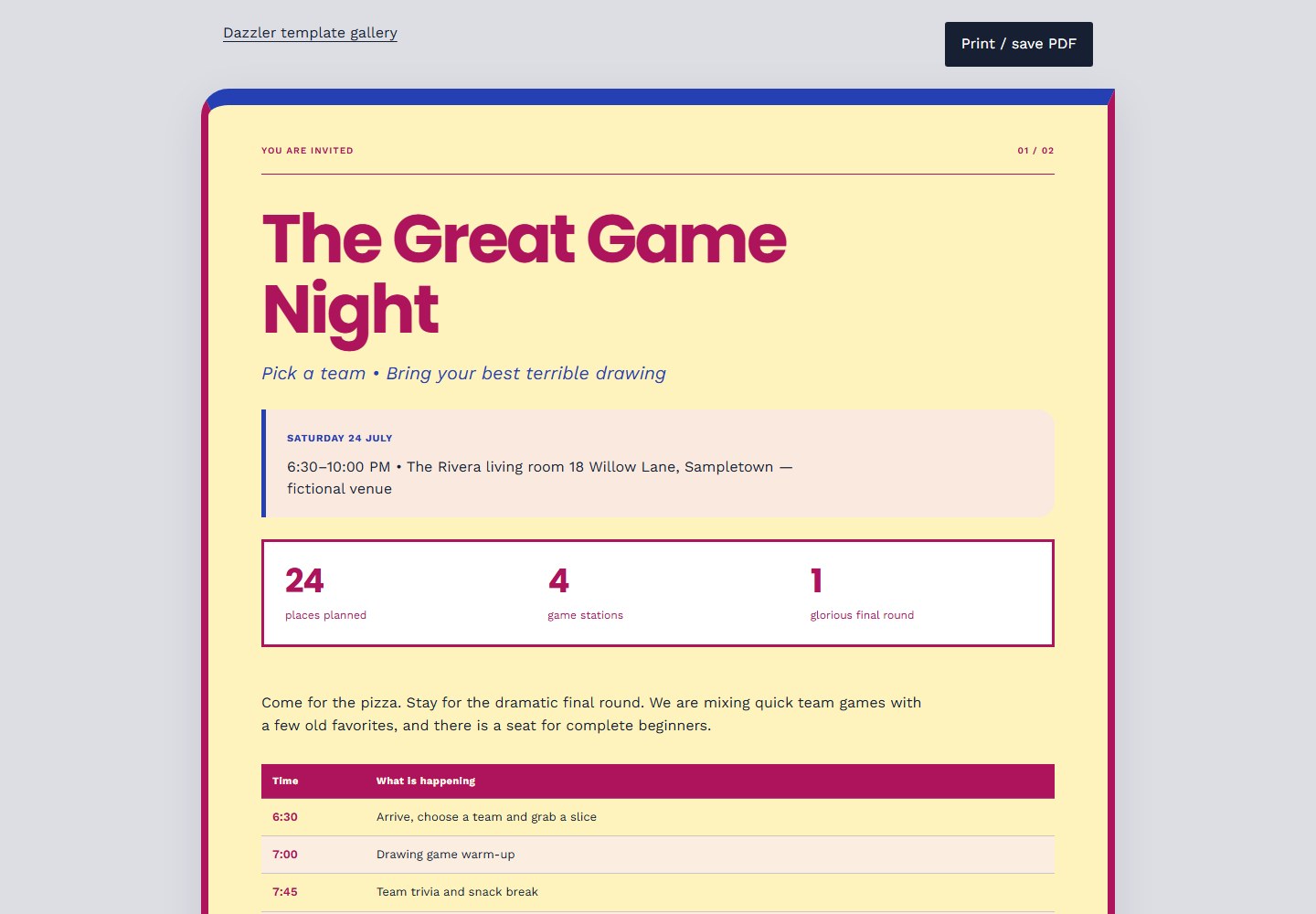 HTML / fun
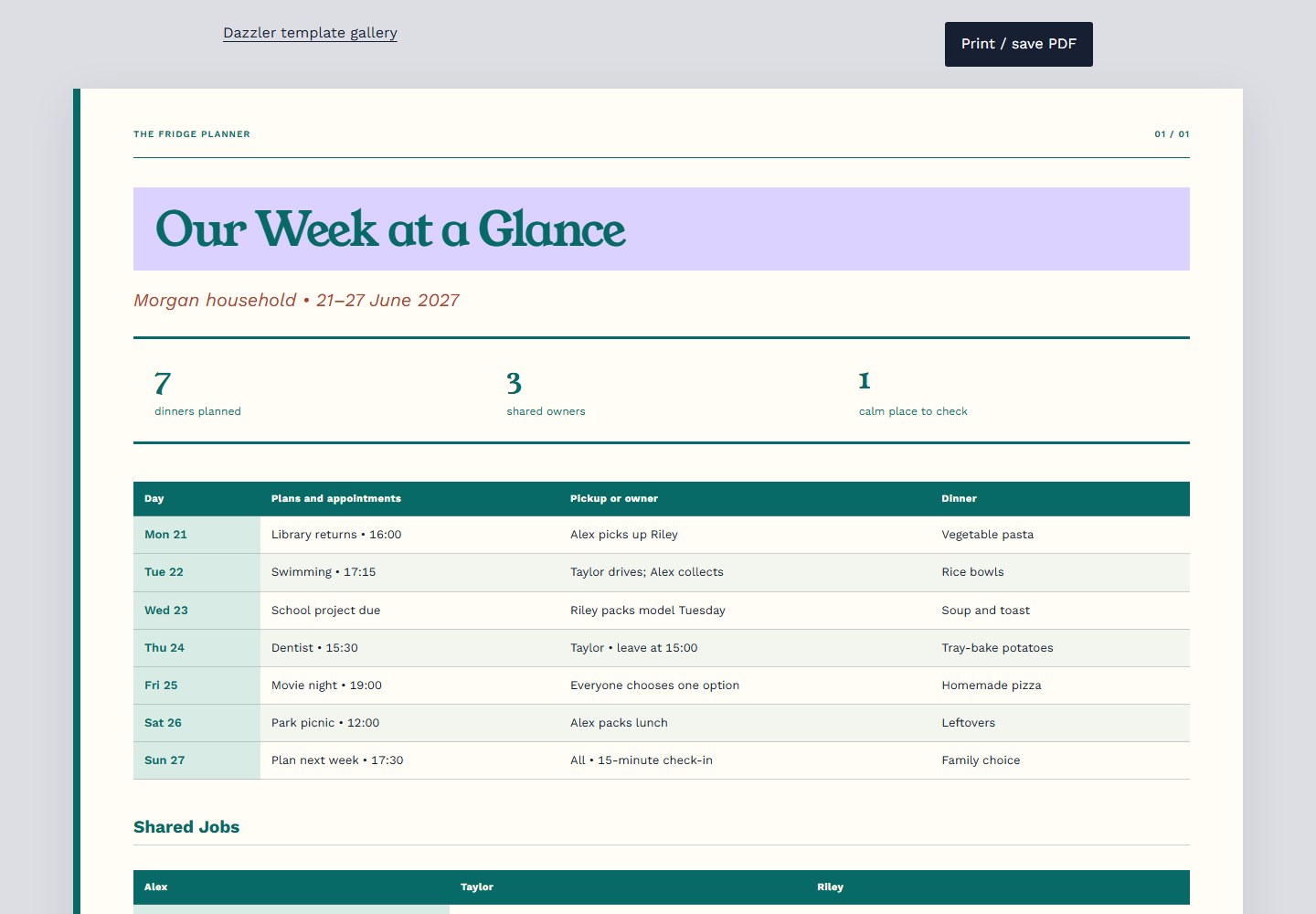 HTML / family
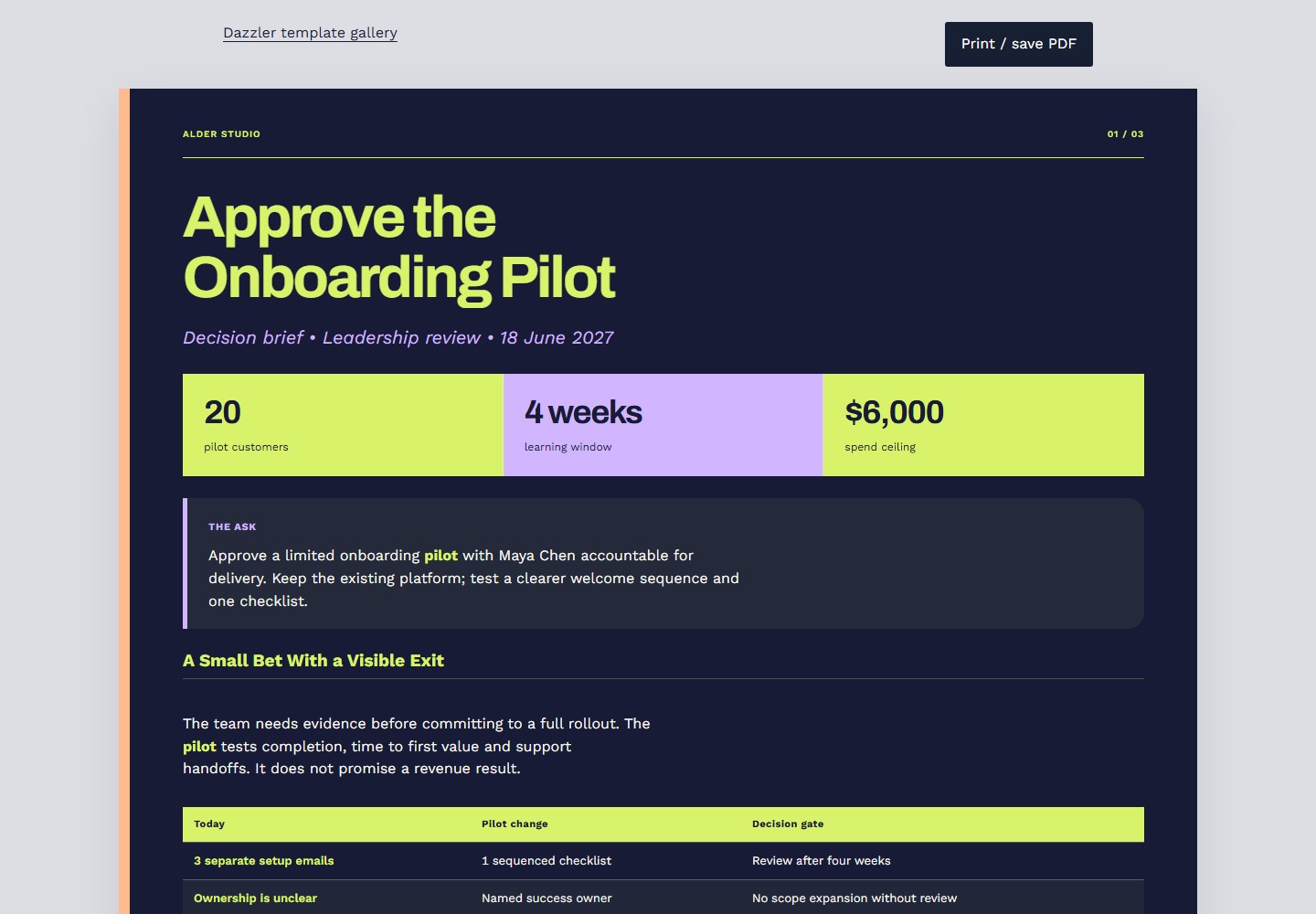 HTML / presentation
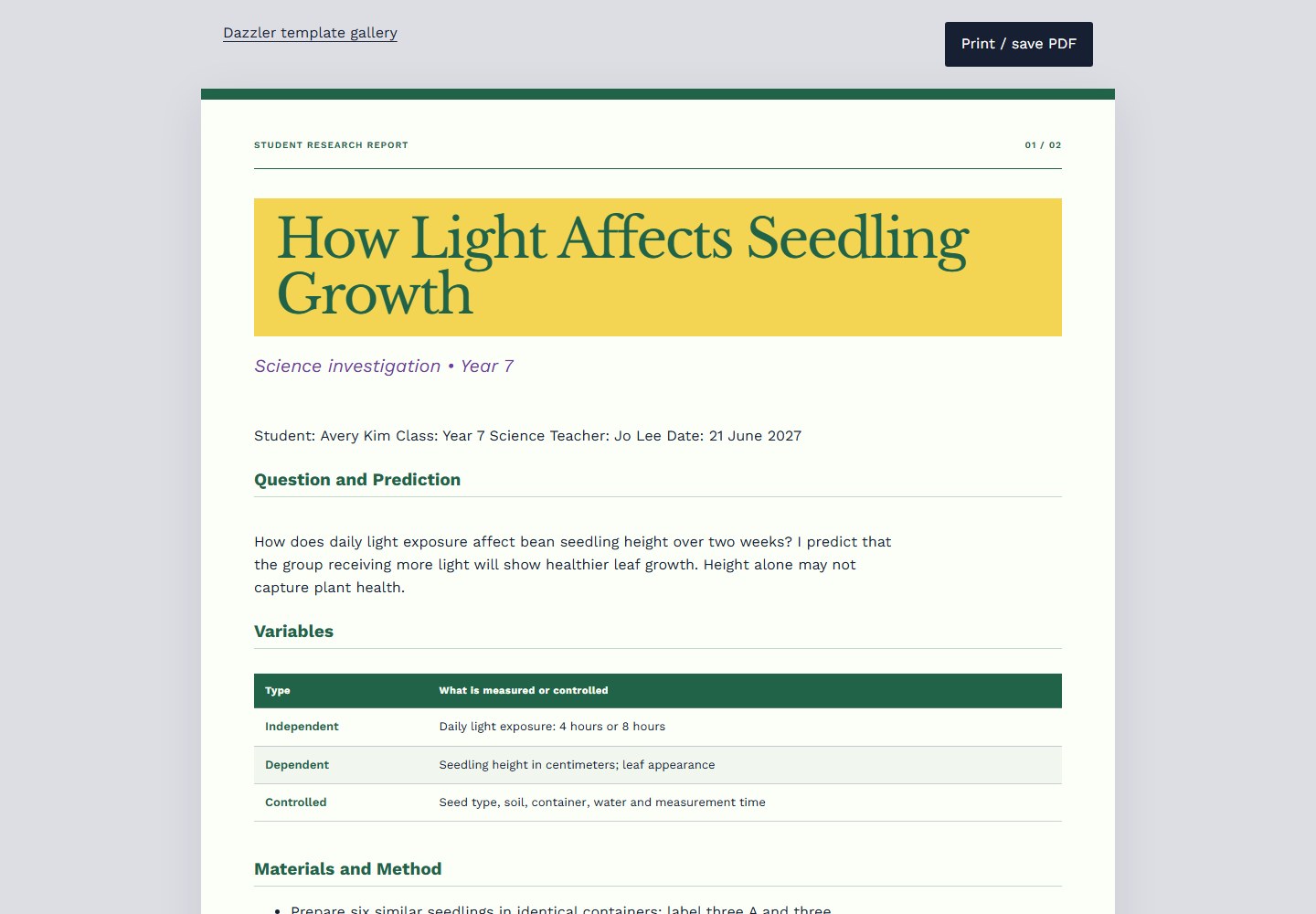 HTML / school
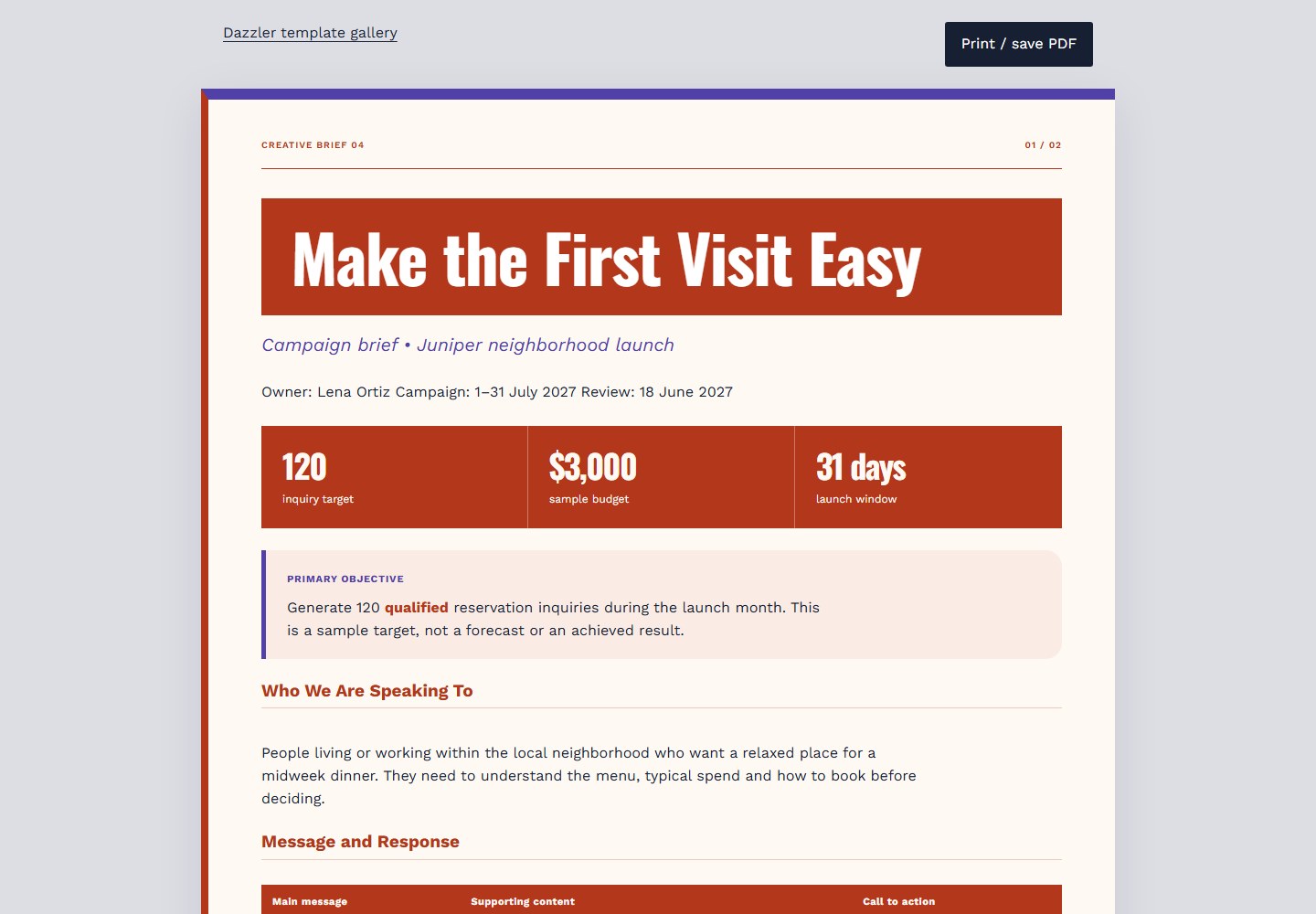 HTML / marketing
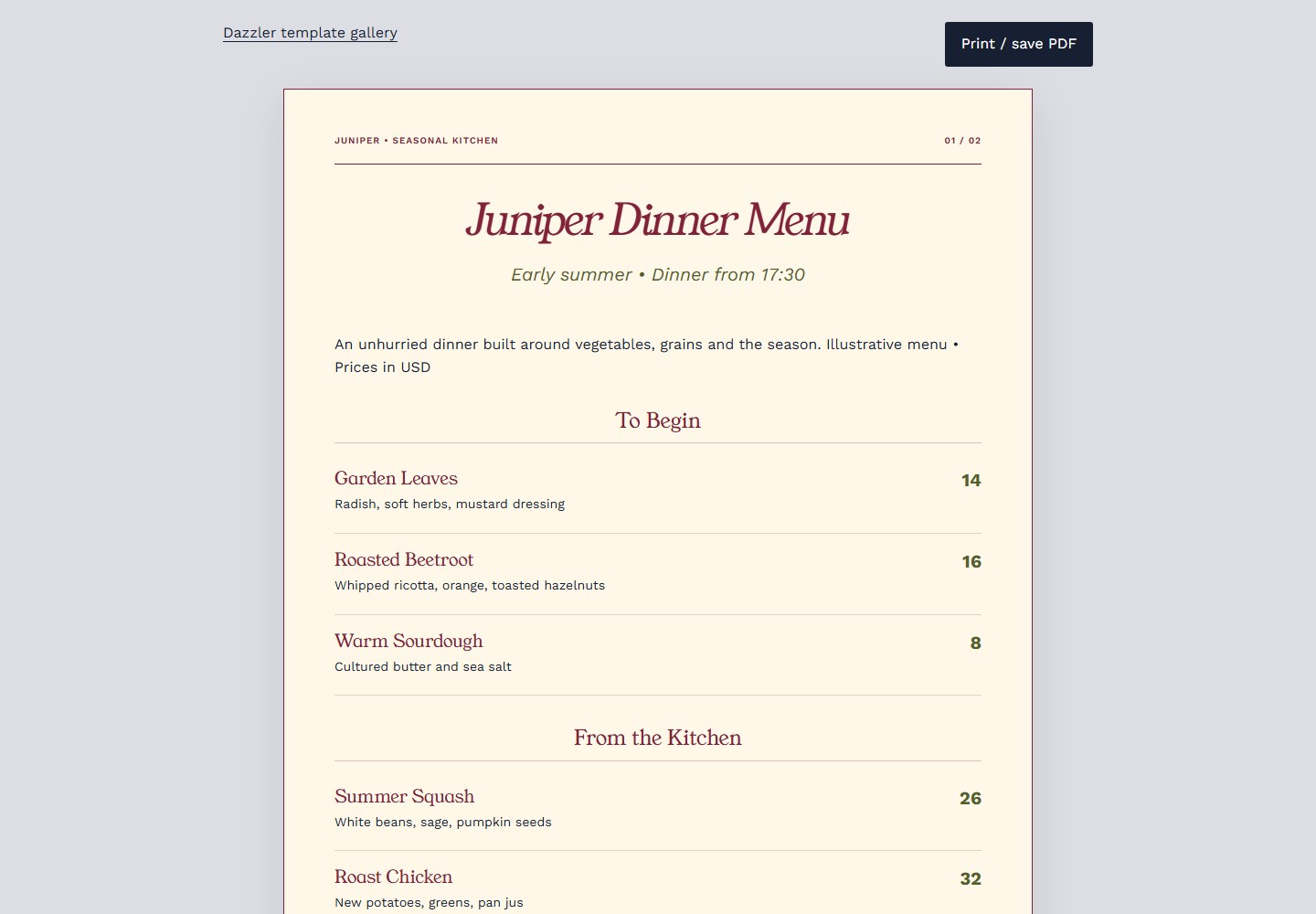 HTML / restaurant
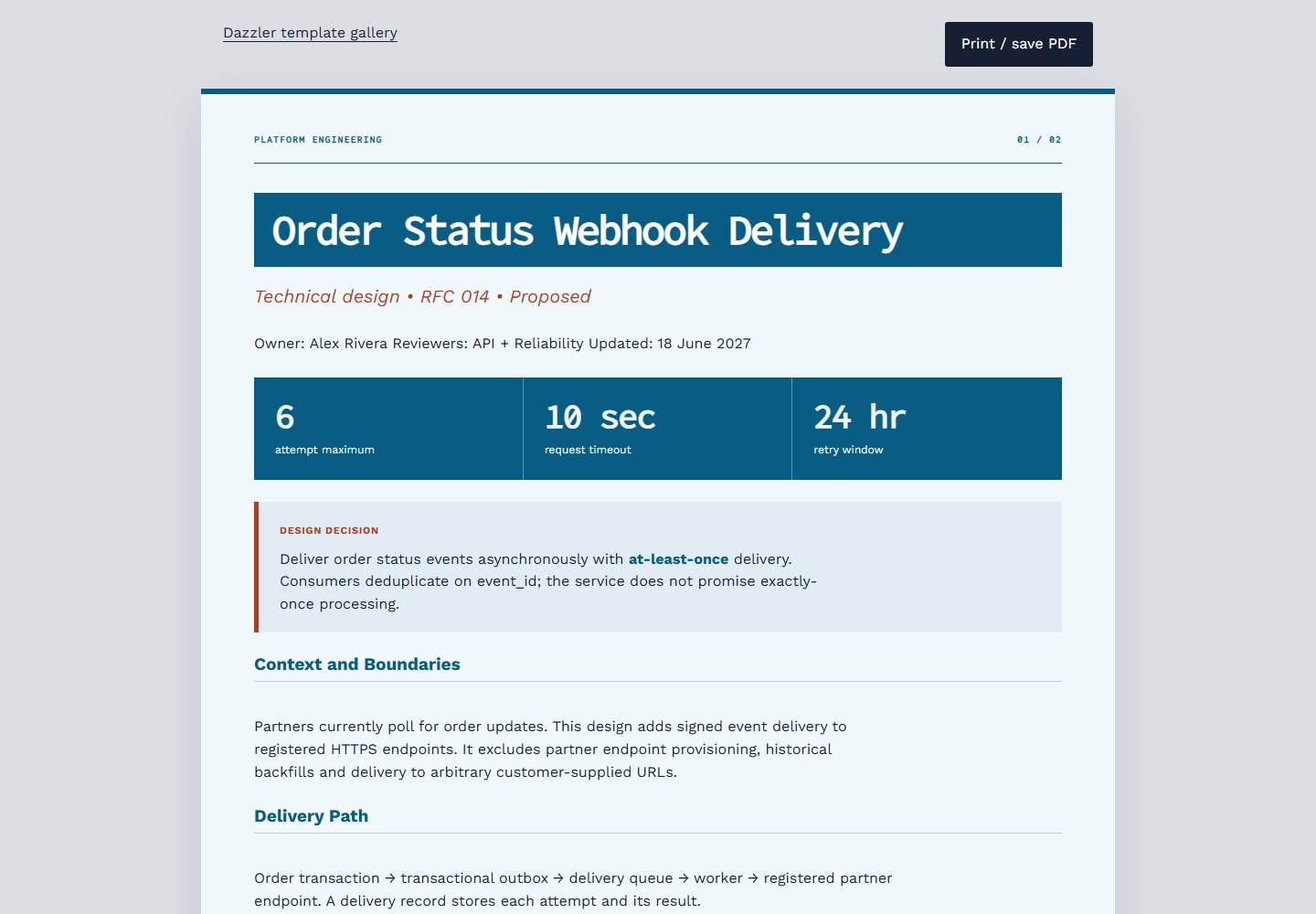 HTML / technical
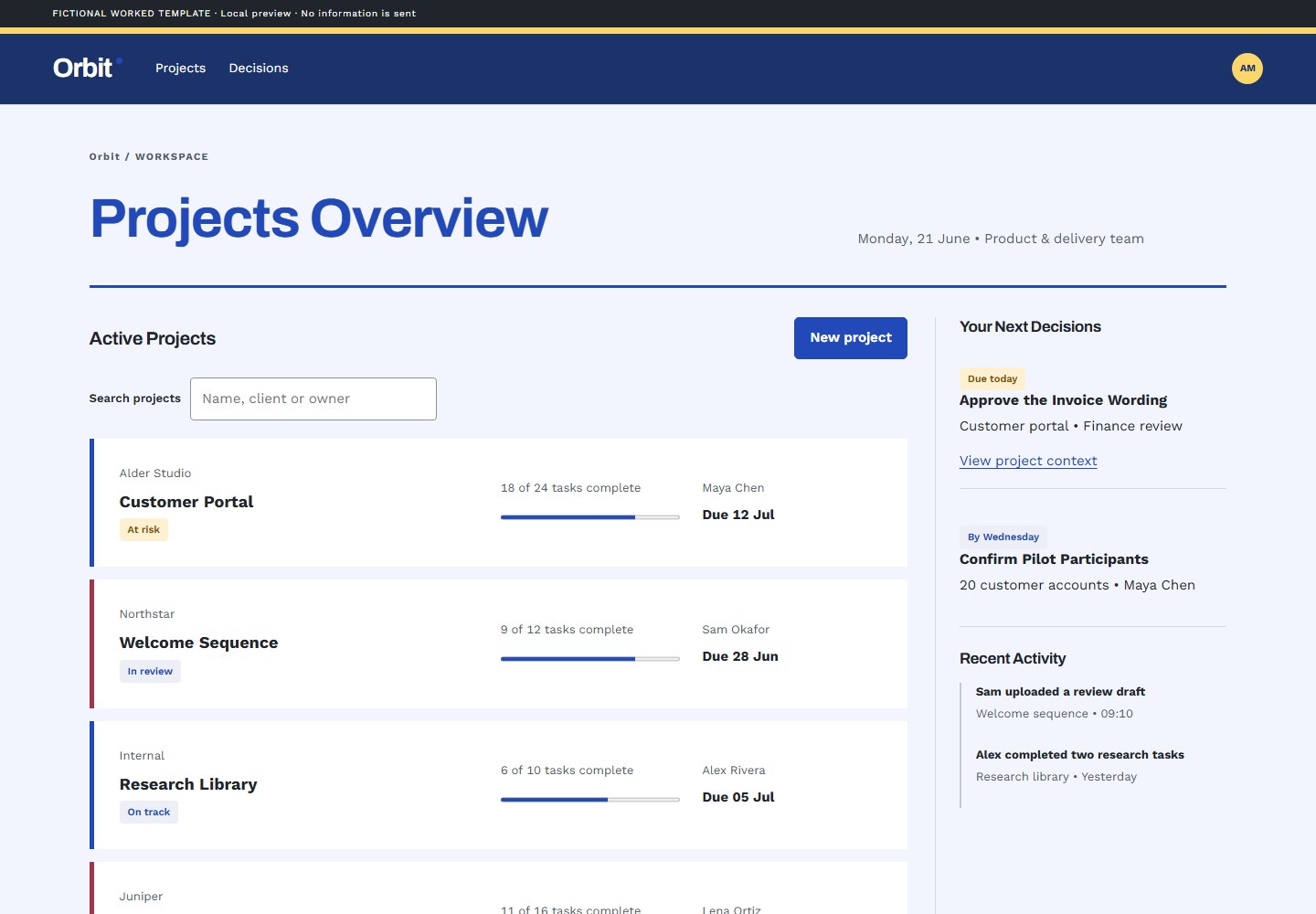 UI / general-webapp
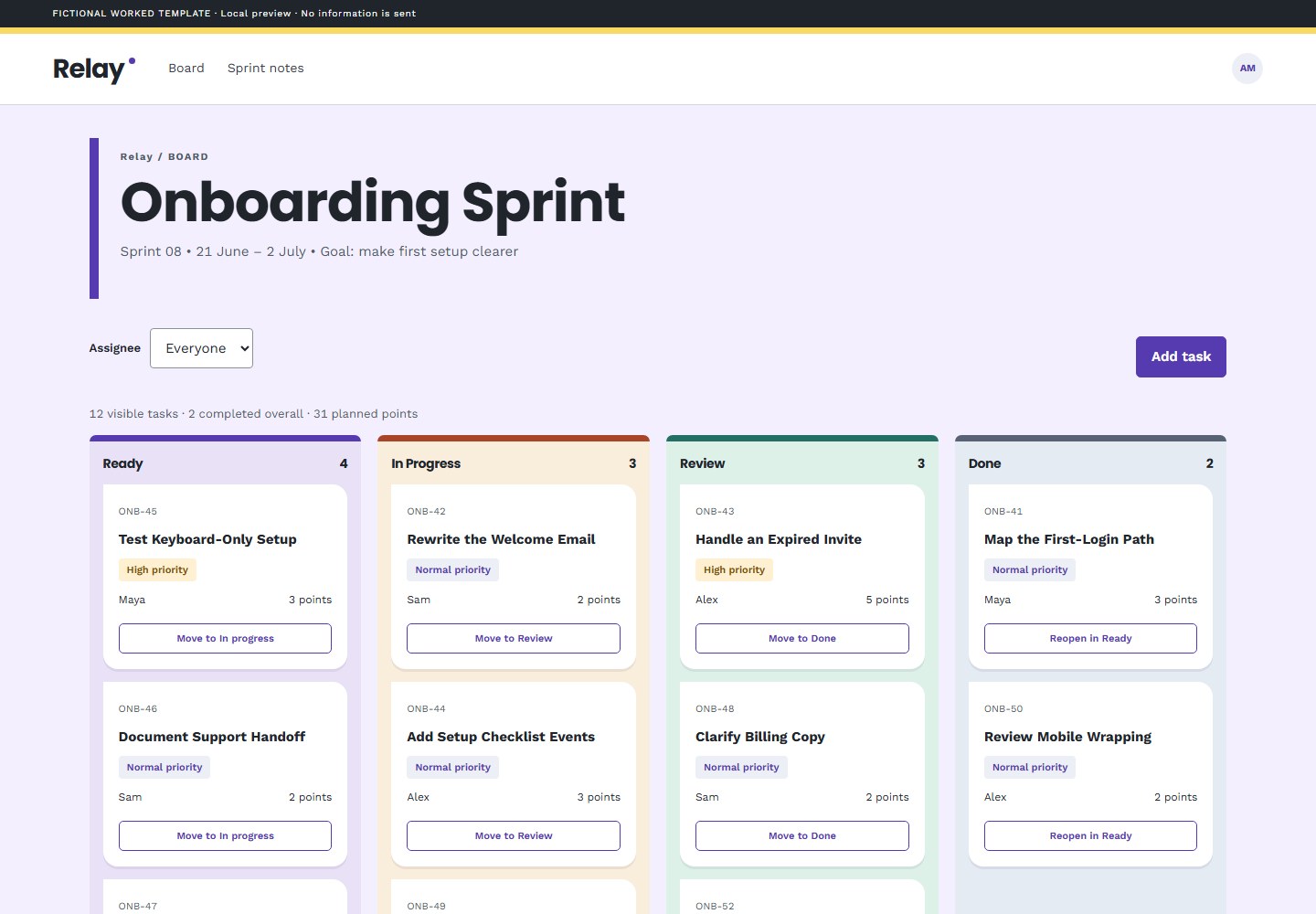 UI / general-webapp
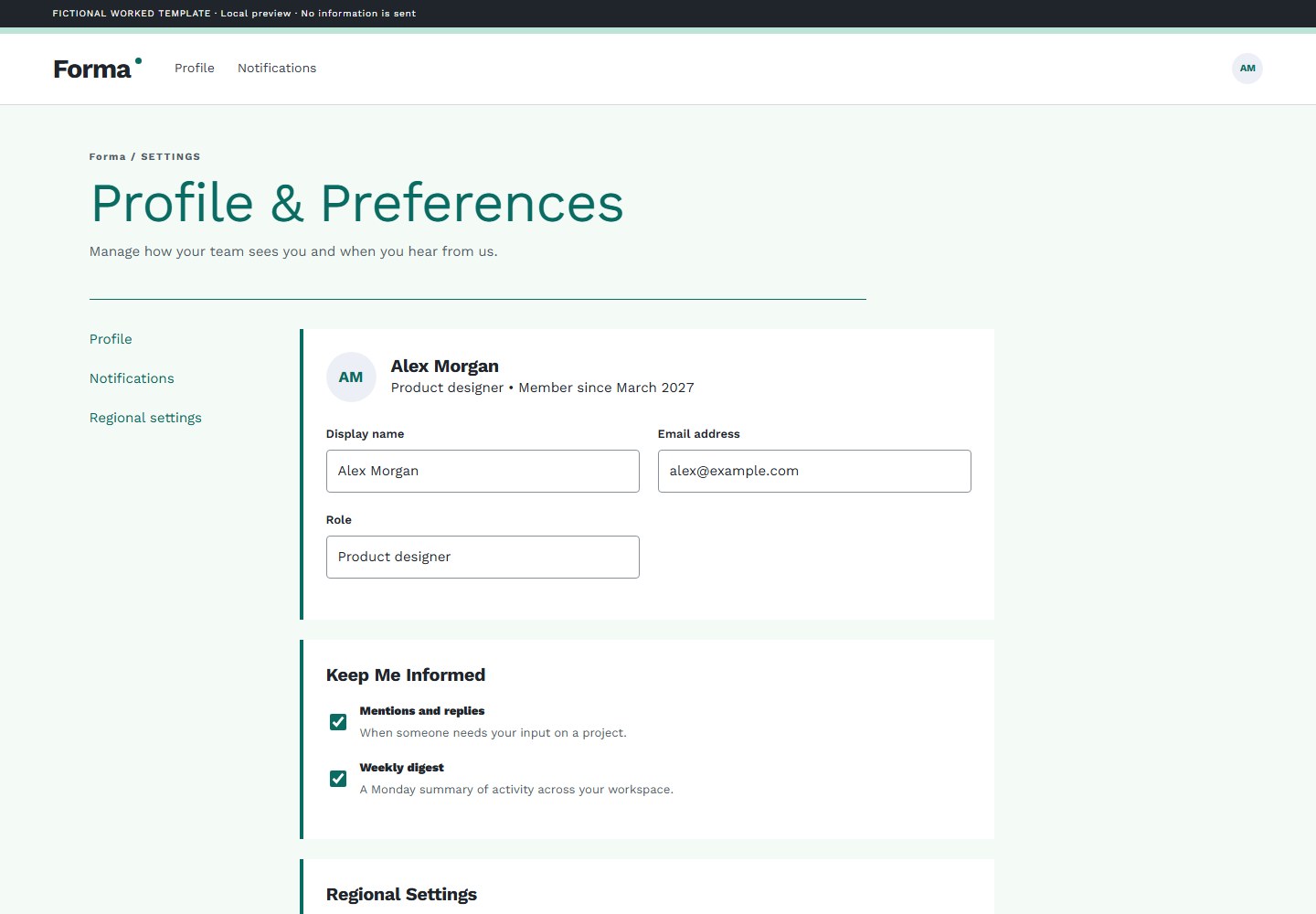 UI / general-webapp
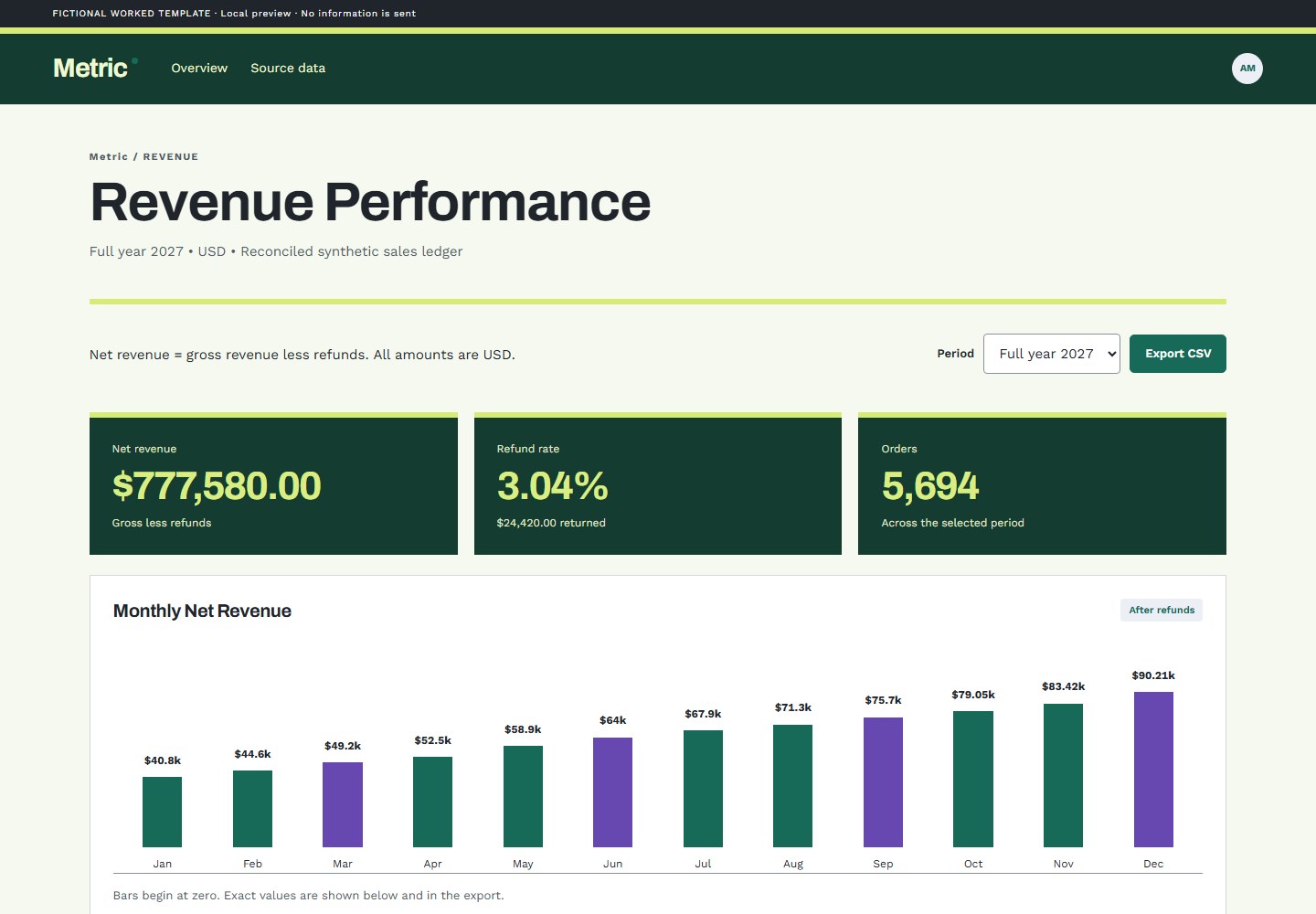 UI / data-visualization
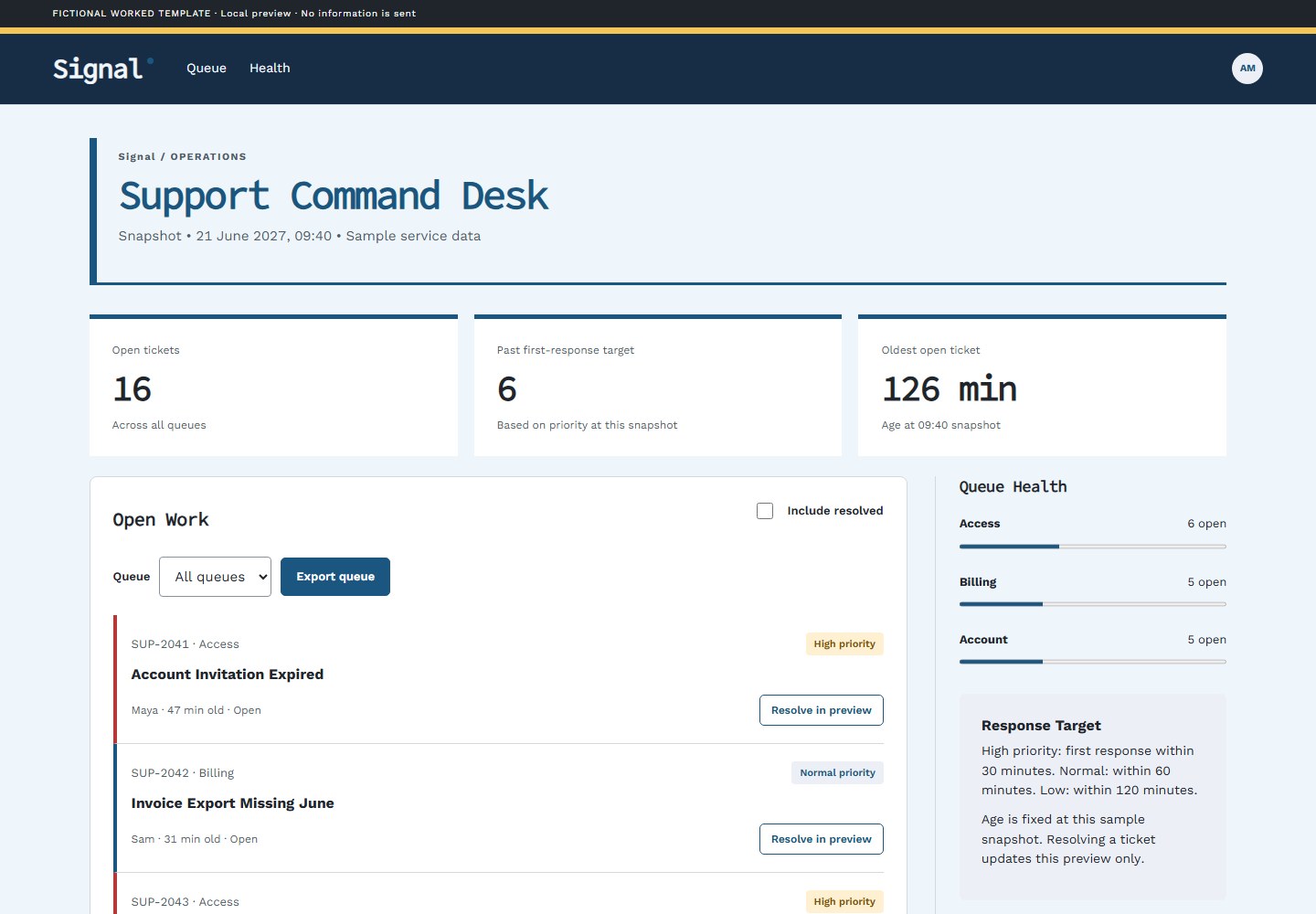 UI / data-visualization
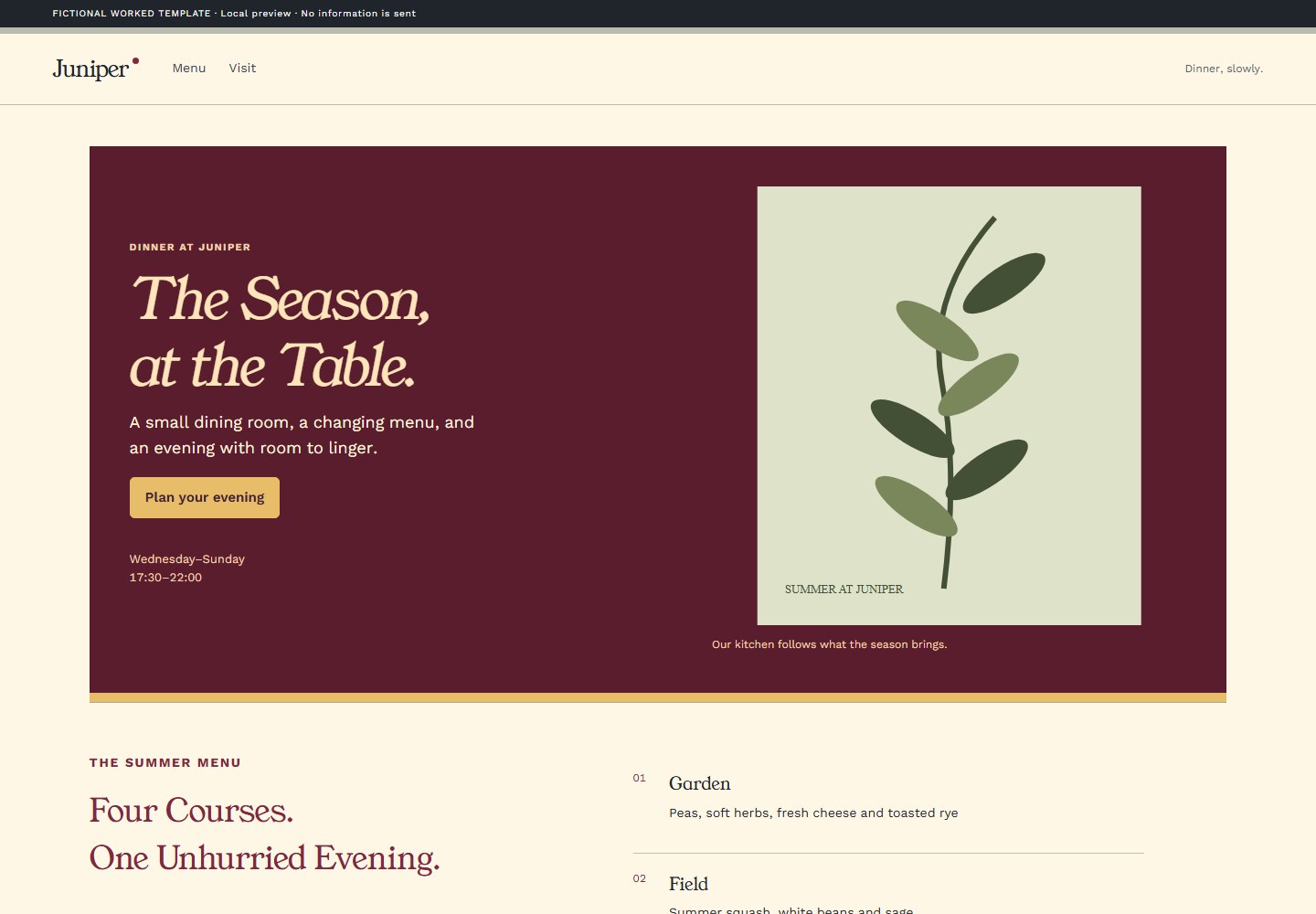 UI / restaurant
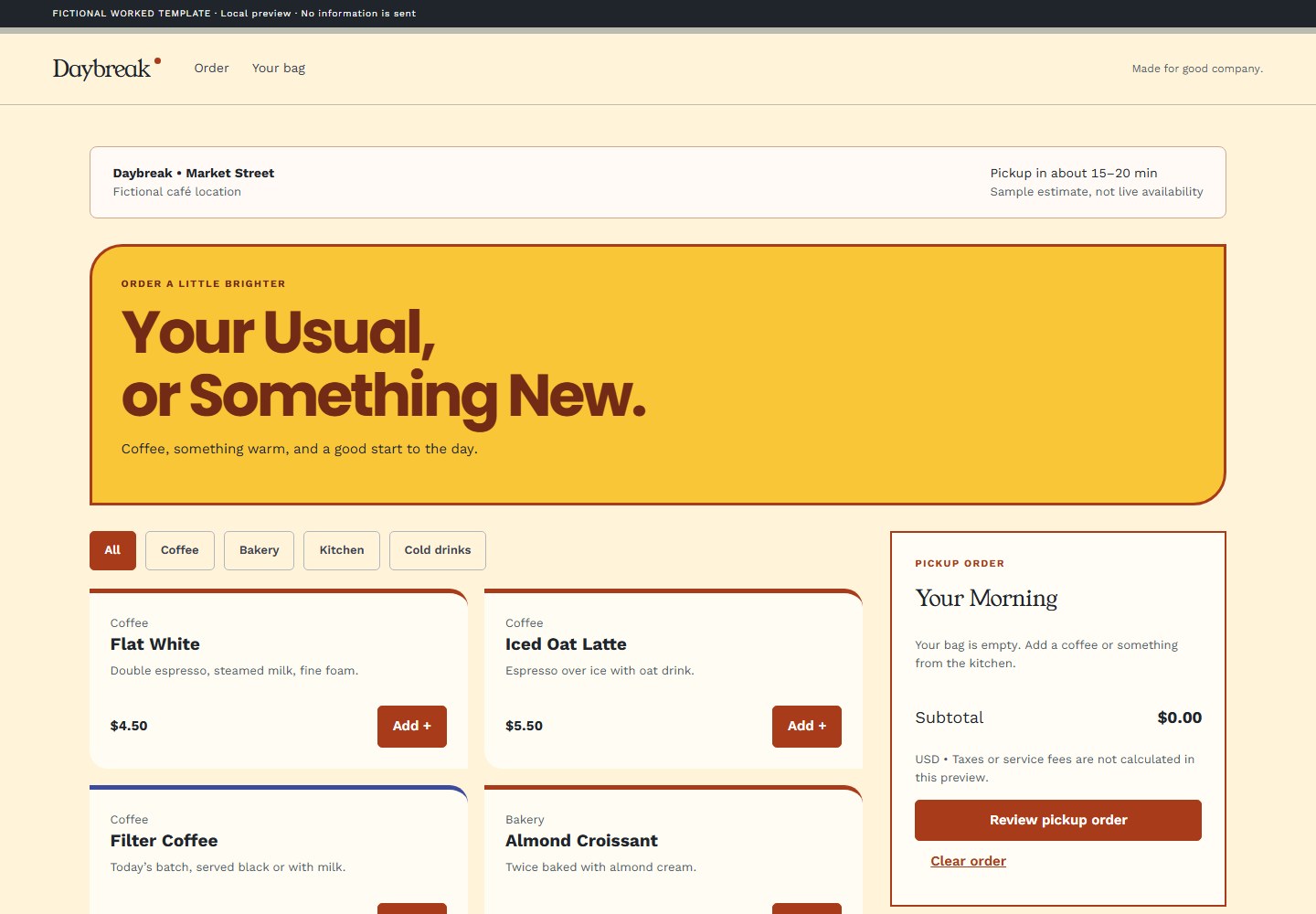 UI / restaurant
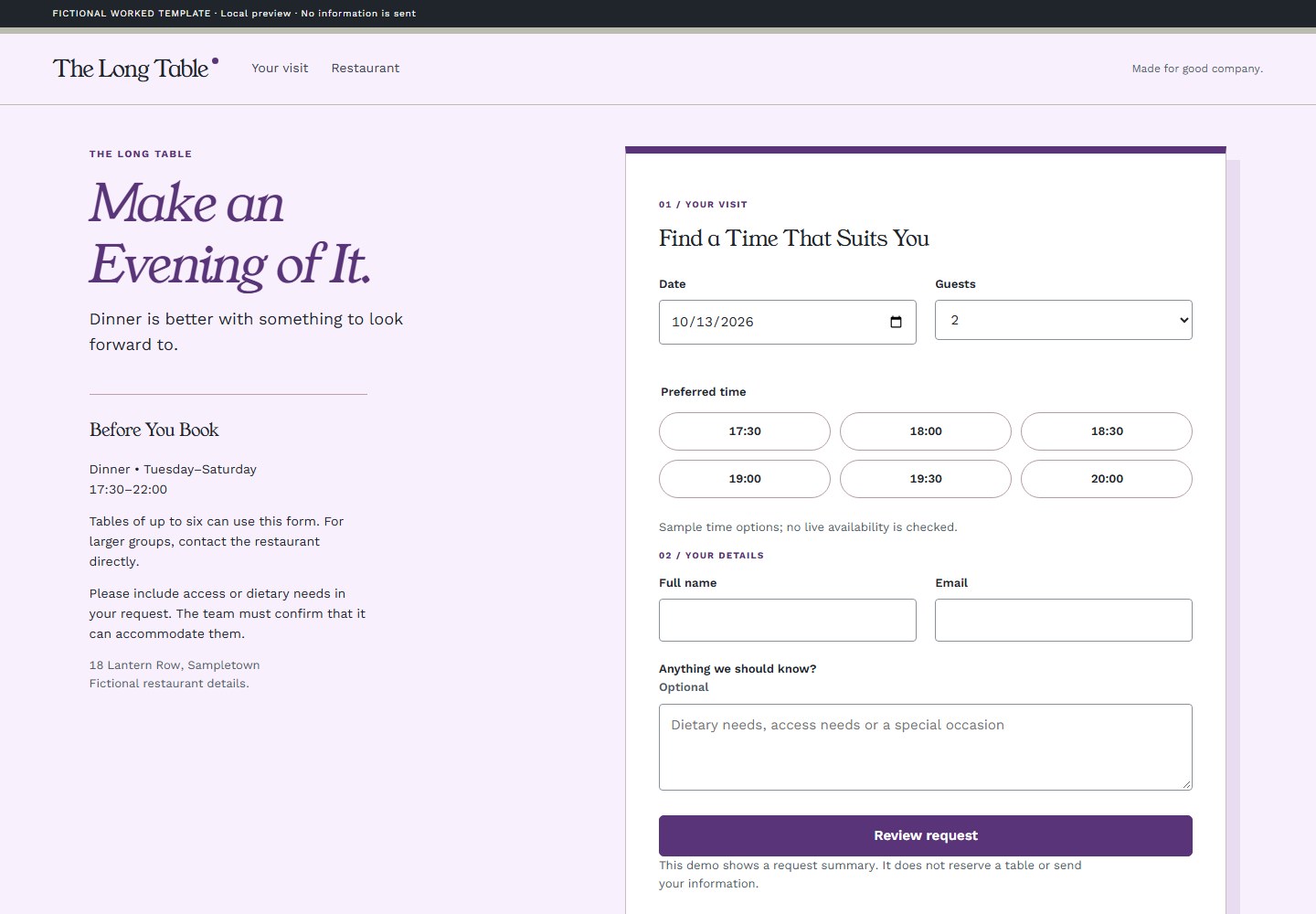 UI / restaurant
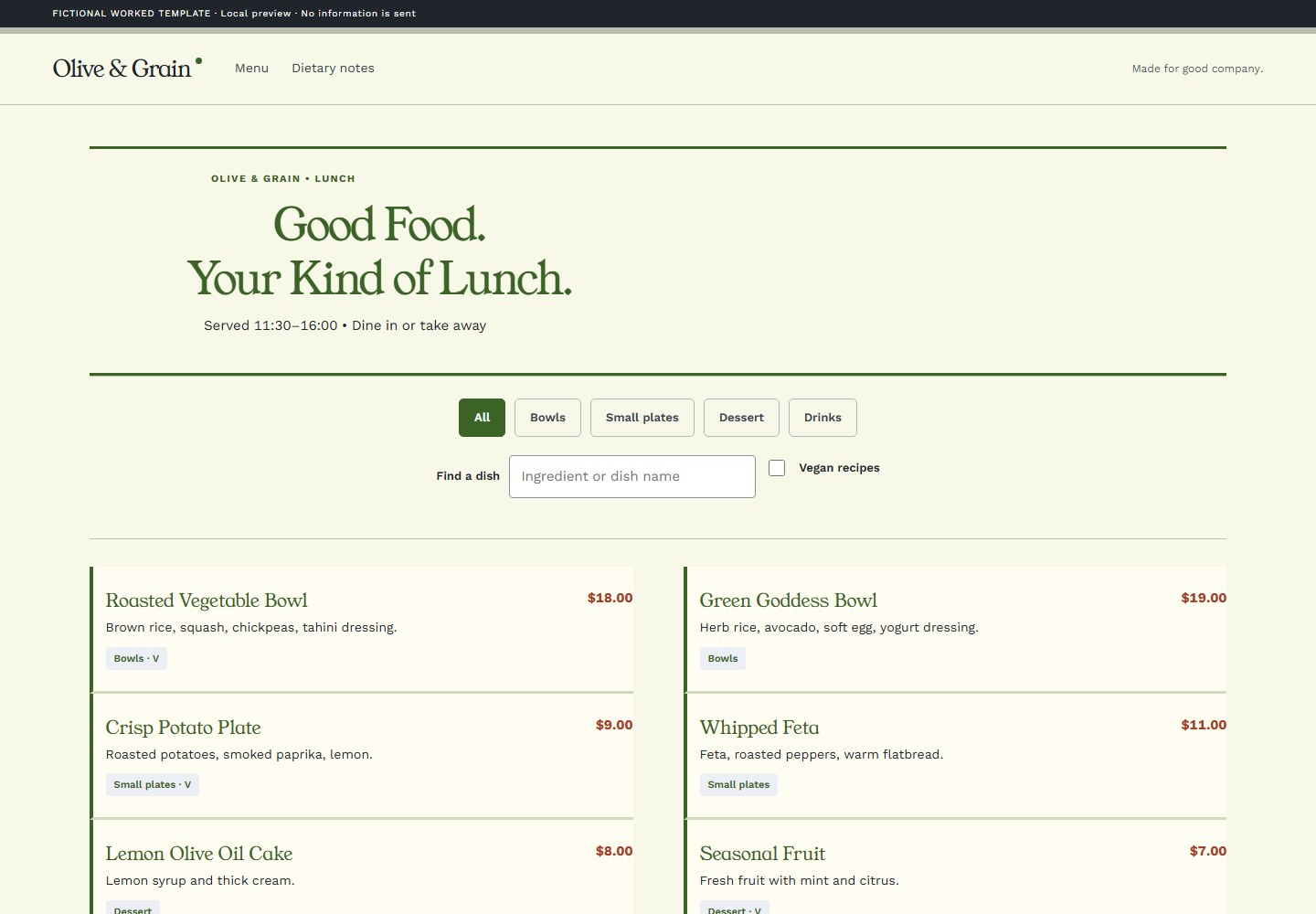 UI / restaurant
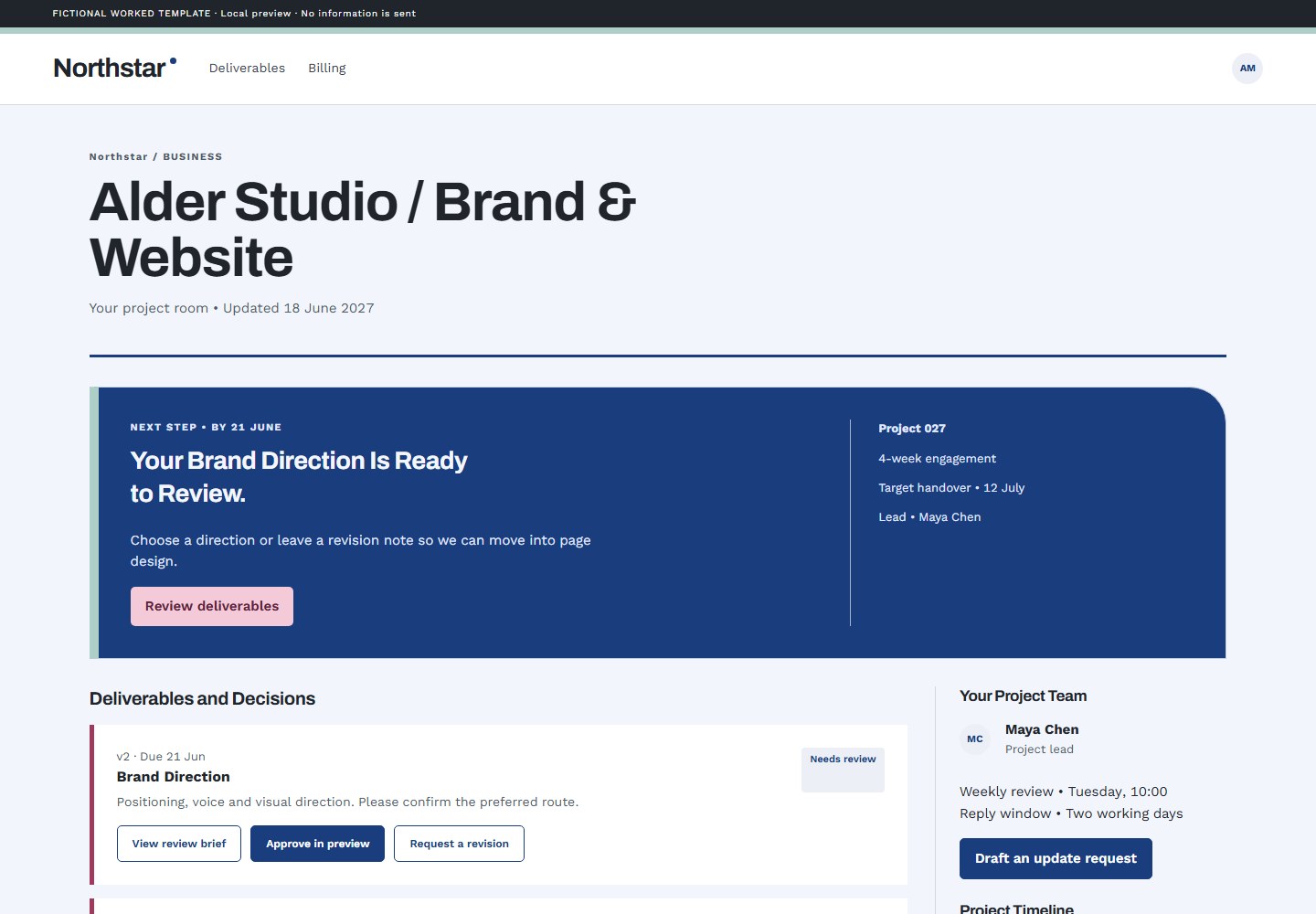 UI / generic-business
All example organizations and data are fictional. Word snapshots are rendered document pages; interface actions are local demonstrations. Open the full collection →
Ask for a critique before a redesign, or request a focused refinement. Dazzler preserves the project’s purpose while checking what actually renders.
Use $dazzler-frontend to harden this screen. Keep its visual direction; inspect narrow layouts, long labels, focus states and empty states.
Wide and narrow layouts, loaded fonts, meaningful contrast, accessible names, keyboard focus and primary interactions. Final headings get a Title Case audit, including output authored through other tools. Documents need page-by-page print review.
Browser checks need a browser. Editable Office charts need their Office runtime. Native theme exports need app binding and compilation. Missing tools are reported, never treated as passing tests.
As much as you want. Keep a logo or font, request restrained typography, compare local directions, or ask for a specific refinement. A critique is read-only.
Dazzler chooses purposeful color panels, editorial layouts, selective bold, color and italics, useful callouts and supplied quotations to fit your brief. The body gets the same care as the cover. Professional can be restrained without being generic; ask for plain formatting when that is what you need. Copy gets an editorial pass too: clearer wording and supported specifics, while preserving voice and useful emphasis. Good design takes priority over rigid writing rules.
Core helpers and bundled assets run locally. Your AI host and optional integrations may need network access. Dazzler does not fetch upstream code during normal skill use.
Choose the host for setup. After installation, a brief is enough. Compact ZIPs include all 30 templates and six font families within a 24 MB compressed and unpacked budget.
Source-based installs include the larger font catalog. Save local edits before reinstalling. Use the managed installer for pinned packages, integrity checks and rollback.
npx skills add jongos/Dazzler --skill dazzler-frontend
Choose Codex in the installer. Then ask it to use Dazzler.
Third-party installers may collect installation telemetry; their privacy controls let you opt out. Directory listing, hosted upload acceptance and account eligibility are separate from local package validation.
Downloads and Detailed Setup ↓