Dazzler · Optional design handoffs

From reference
to reality.

Bring a design file. Ask for a visual comp. Keep your brand, then turn the direction into a working interface people can actually use.

Ordinary tasks still start with one sentence. Fonts, colors and layout stay automatic; these workflows appear only when your brief calls for them.

Already have a design?

“Use Dazzler to implement this frame using our existing components.”

An available, authorized connector can read the selected design. Supplied exports are a useful fallback. Dazzler reconciles the evidence with your project’s existing tokens.

What stays under your control

Your designated brand rules, framework and component behavior remain in place. Unresolved modes, aliases or font rights stay explicit. Reading a frame does not authorize writing back to the design file.
Want a comp first?

“Use Dazzler to propose a visual comp, then build the landing page.”

When requested and supported by the host, a static proposal establishes direction. The implementation still needs real text, controls, responsive layout and rendered checks.

When an image tool is unavailable

Dazzler can make a local HTML/CSS comp and label it accurately. It does not claim an image was generated. An approval pause is added only when you asked for one.

A short path to a usable result

  1. Read the evidence.Record the relevant frame, mode, typography and component context. Keep observations separate from instructions.
  2. Continue your system.Use accepted fonts, colors and existing components. Resolve material conflicts instead of silently changing a lock.
  3. Build the actual experience.Preserve copy, data, labels and controls. Adapt a fixed frame to narrow and wide screens.
  4. Inspect what people use.Compare hierarchy and spacing, then test keyboard focus, reflow, contrast and meaningful states. Explain deliberate departures from the comp.

Explore working examples

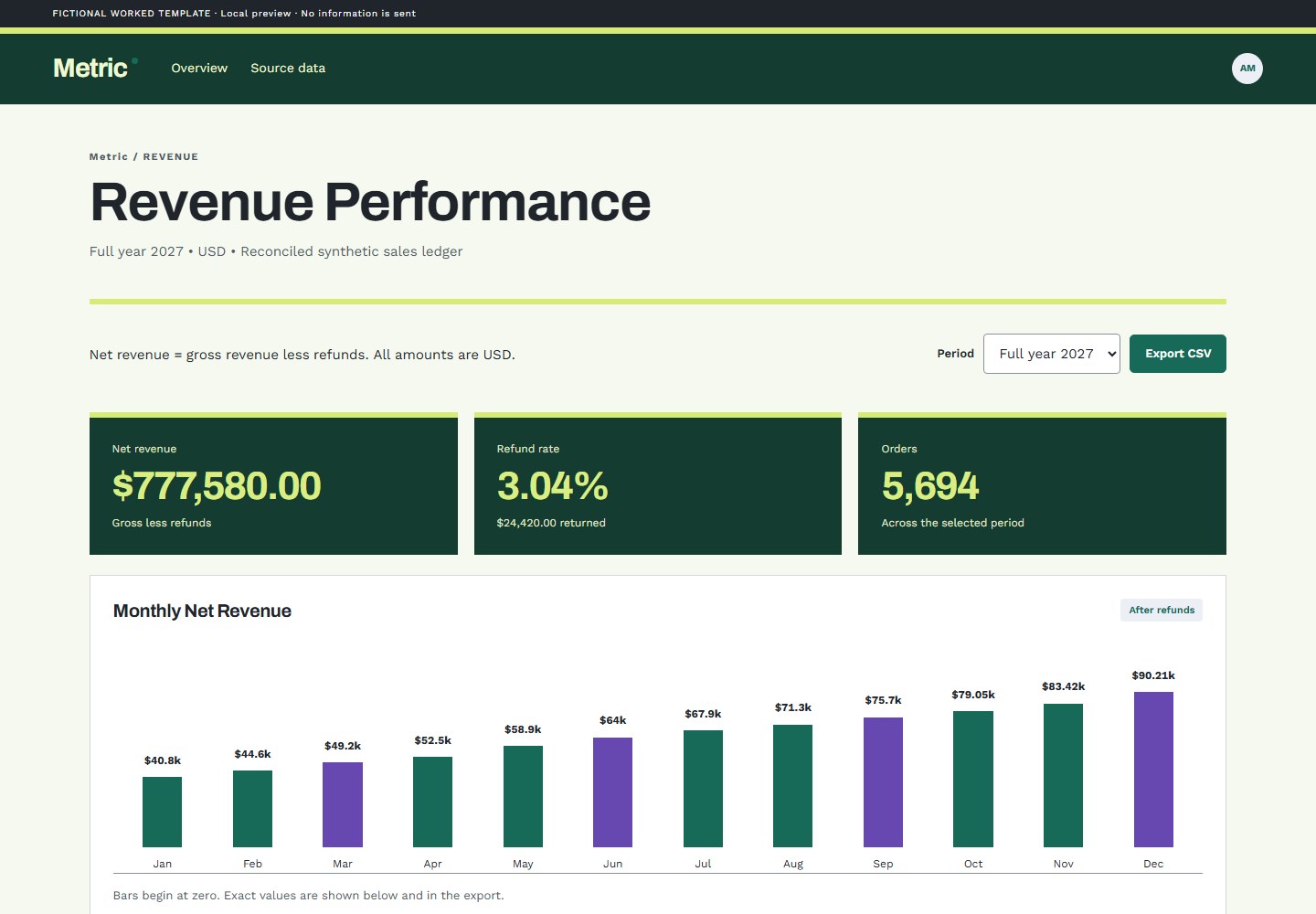
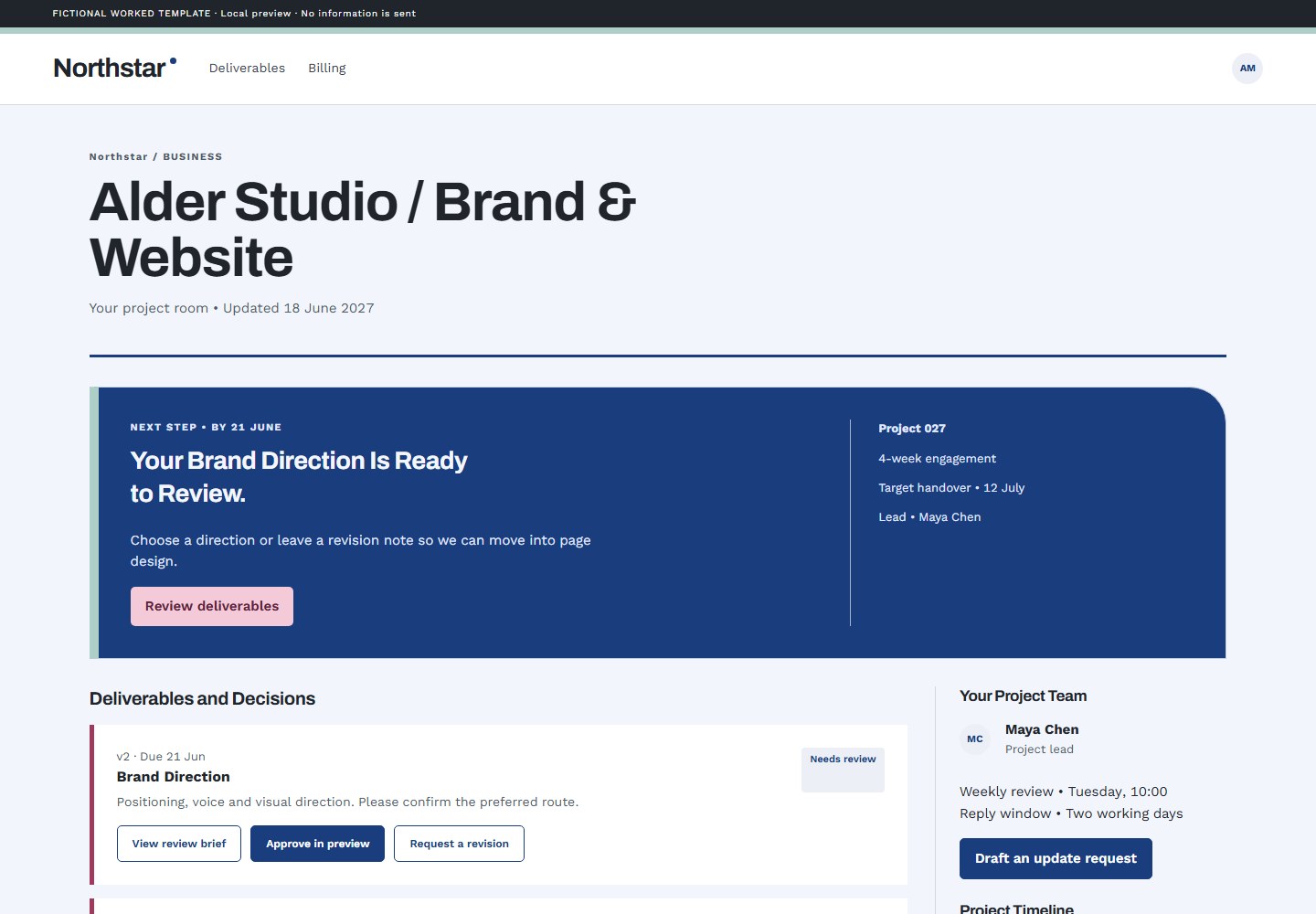
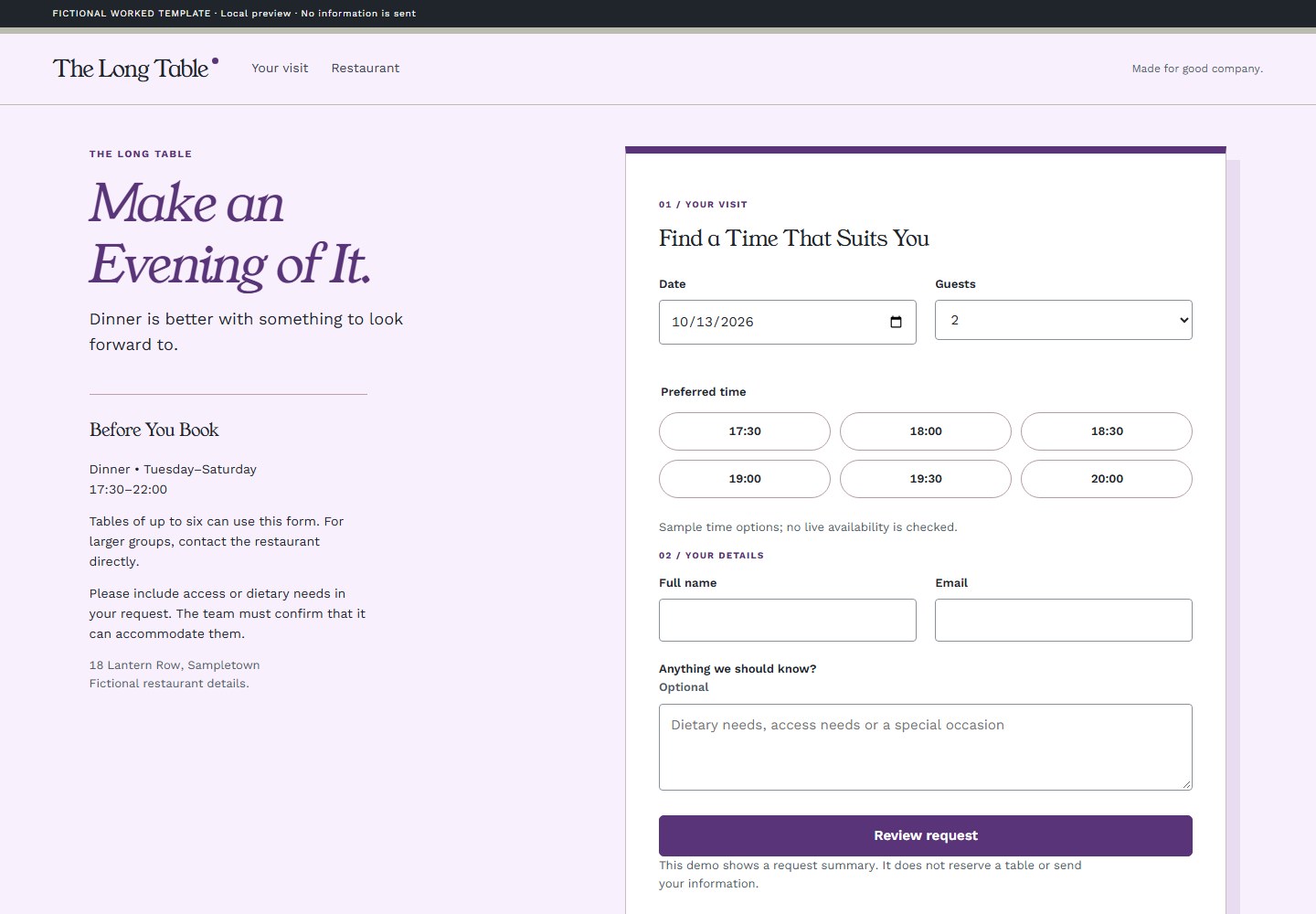
These existing fictional template demos show the kind of implementation to inspect. They are not Figma imports or image-generation results.

Know what was verified

Local CSS observation and browser comparison can be checked with the bundled helpers and an available browser runtime. Live connector discovery, native-app compilation and host-specific skill installation require their own real trials.

No Figma synchronization, native-app exporter or image generator is bundled. Live design reads and remote previews use the network. Core local font, color and token work remains self-contained.